LiDAR annotation without the tool sprawl: point clouds, camera fusion, and tracking in one workspace
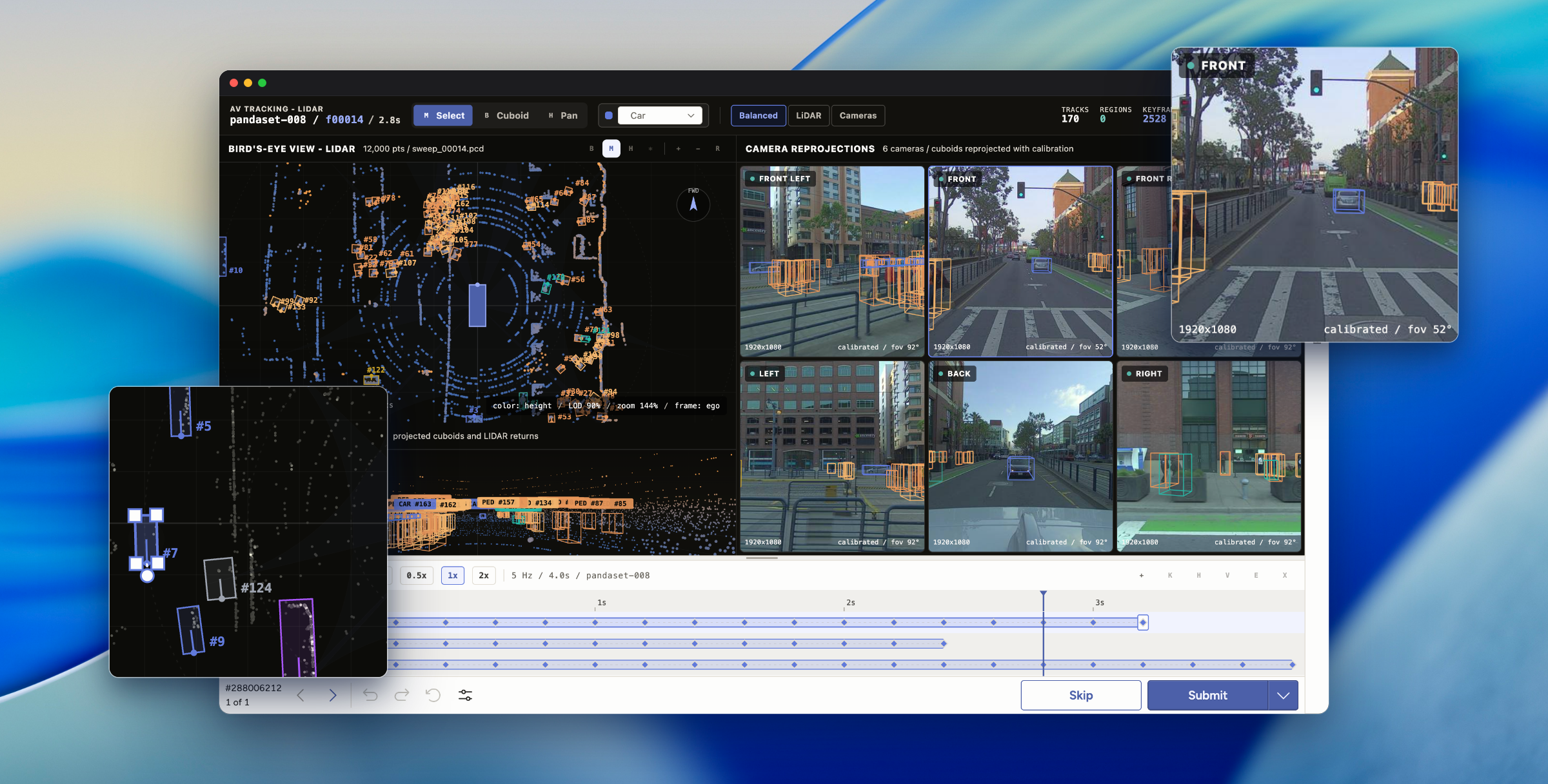
Most perception teams annotate the same scene four times. Your annotators draw cuboids (3D bounding boxes) in a point cloud tool, check camera frames in a second app, track objects across frames in a third, then export everything to a spreadsheet for review. Every handoff drops context, and every dropped context becomes rework two weeks later when a reviewer finds a cuboid that drifts between frames.
We built a LiDAR and multi-sensor annotation interface that keeps the whole scene in one place. It runs as an Interface inside Label Studio Enterprise, so your team labels point clouds, reviews calibrated camera views, follows objects through time, and gates quality without leaving the task. Here is how it works.
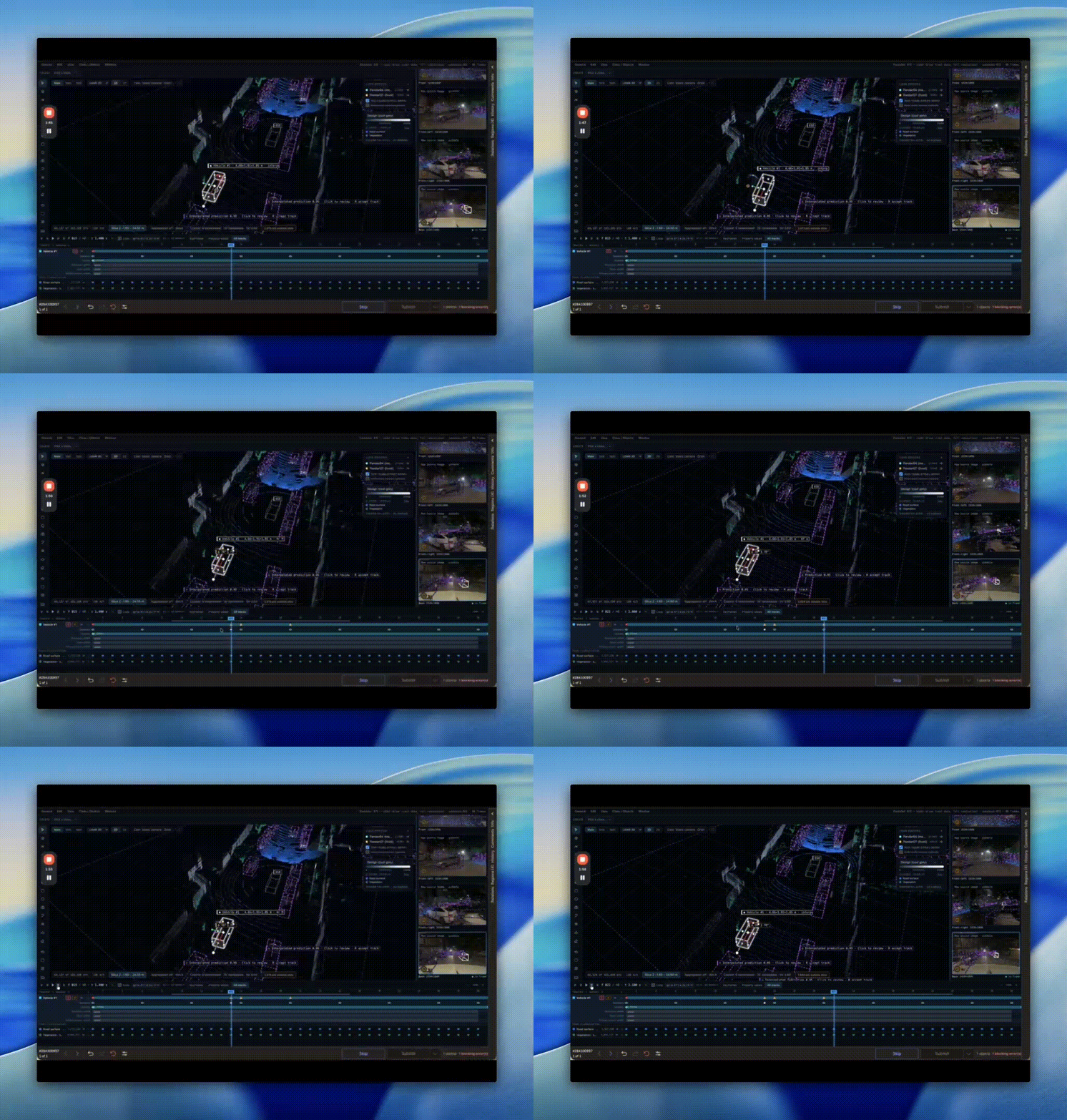
Track objects through time without re-drawing every frame
A car moves through a scene while its cuboid needs to follow. Set a cuboid on a keyframe, set another a few frames later, and the interface interpolates the positions in between. When your annotator nudges a box on one frame, the surrounding frames re-interpolate right away, so following an object from the frame it enters to the frame it leaves takes a handful of edits instead of one per frame. Fewer manual frames means fewer identity swaps, and fewer identity swaps means fewer silent errors in your training set. This is helpful whether you're building for autonomous driving, ADAS, or robotics.
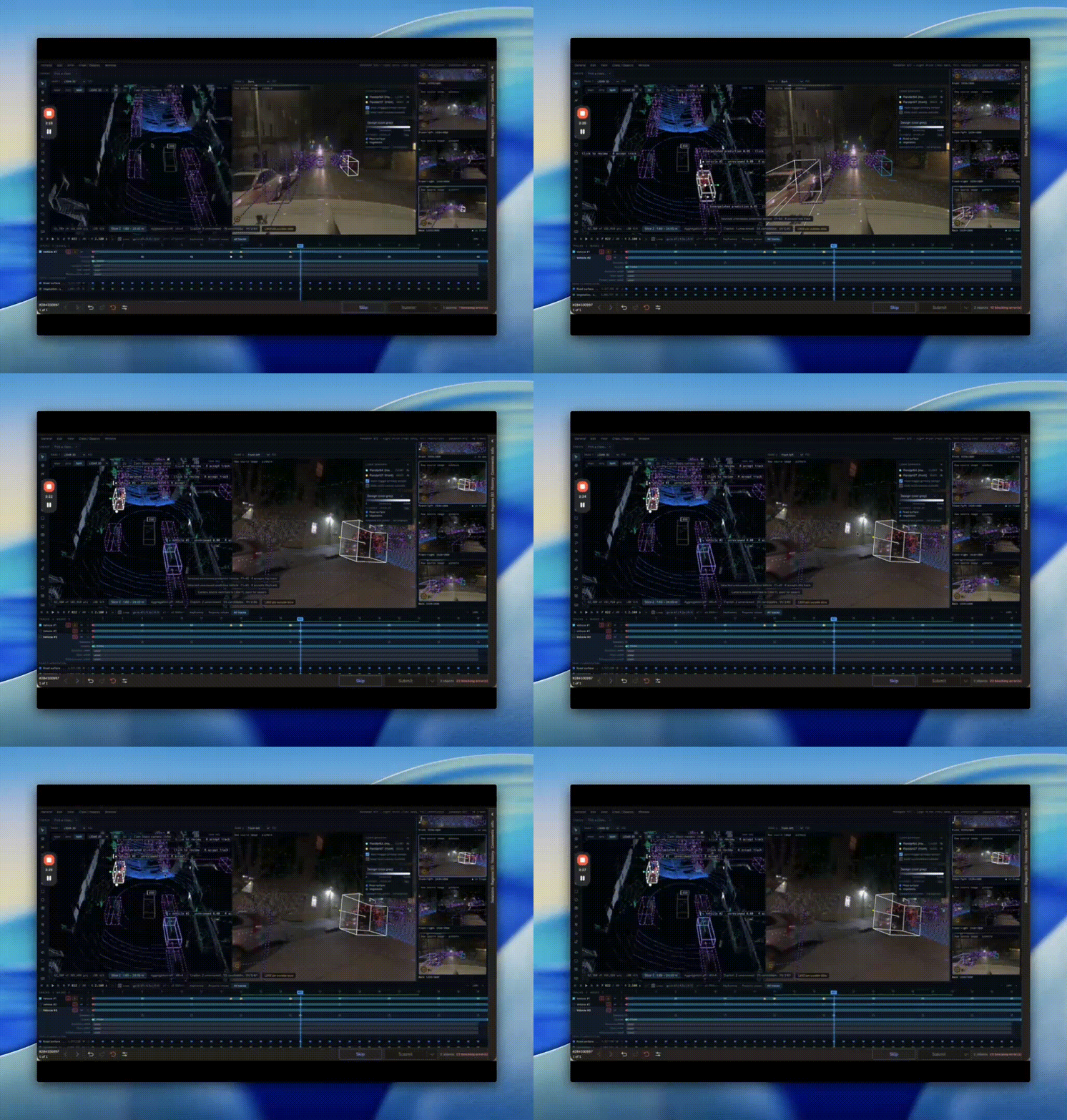
Sensor fusion: see every camera and LiDAR view from the right angle
Select a cuboid and the camera panel switches to the view that actually contains it, so your annotator confirms a hard object against the footage instead of guessing from the point cloud. They choose which LiDAR sensors to render, color the points to expose structure, and split the workspace to compare views side by side. A 2D top-down view gives them the whole scene at once when the 3D view gets crowded.
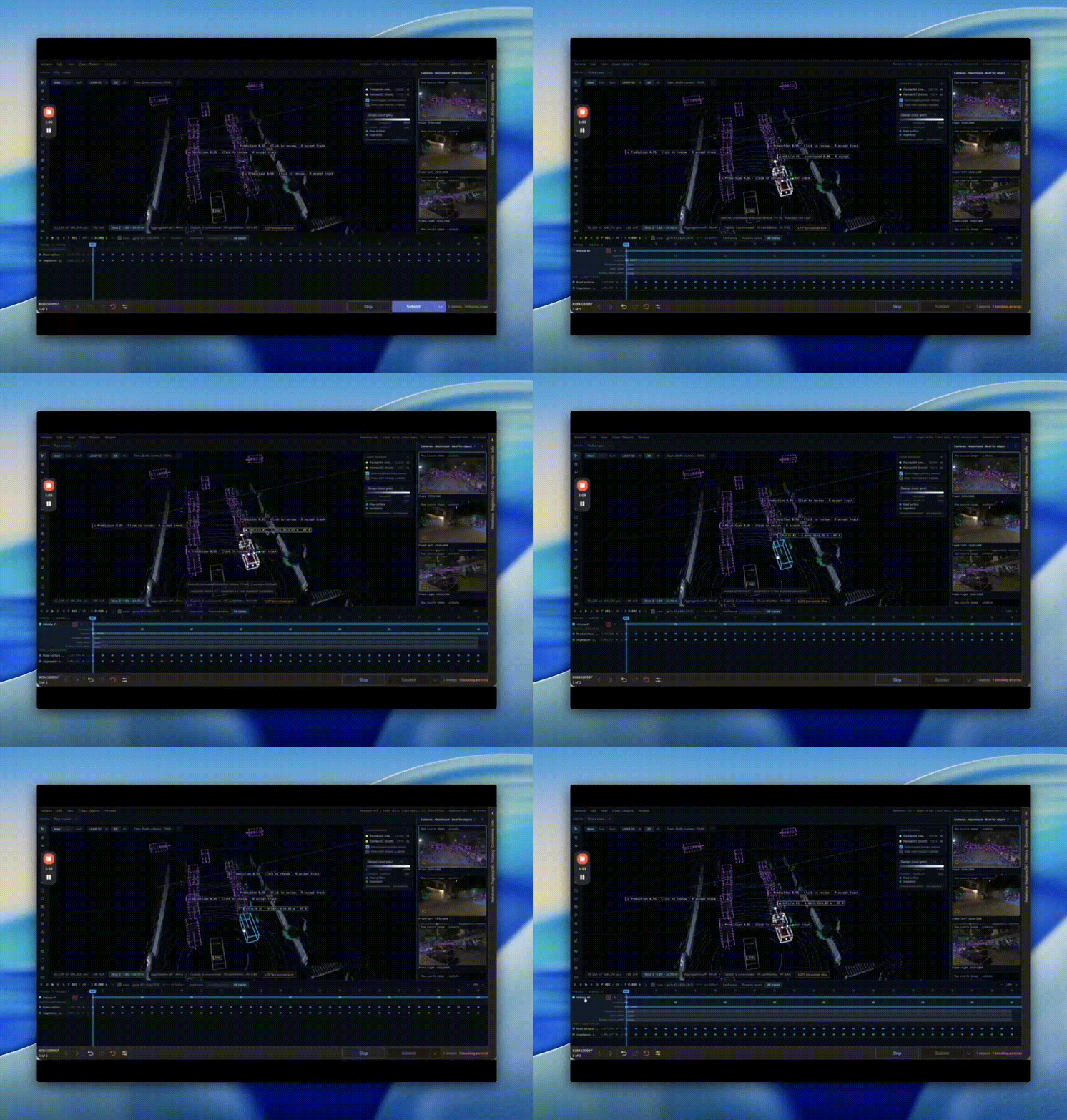
Start from predictions, keep human control
Import your LiDAR data with model predictions attached, and the cuboids show up in the scene as suggestions. Your annotator selects one, accepts it, and it becomes a real cuboid they can adjust: reposition it, resize it, correct its heading. The model does the first pass, and the person decides what stands.
While your annotator draws, the interface highlights the LiDAR points that fall inside the cuboid, so they can see whether the box actually captures the object or clips half a car. The geometry goes beyond cuboids: points, lines, lanes, and point cloud segmentation with semantic and instance masks, so a lane boundary and a pedestrian each get the shape they need. Lidar segmentation runs in the same view as cuboid tracking, so your annotator switches shapes without switching tools. Object IDs stay stable across the sequence, and provenance travels with each object, so a reviewer always knows where an annotation came from.
Handle real-world data sizes
Production LiDAR files get large. The interface reads COPC files with more than 10 million points and loads them on demand: as your annotator zooms and navigates, it pulls in the detail for the area they are working in. A detail budget lets them load more resolution with one click when they need it, so a heavy scene stays responsive.
Validate before delivery
Quality checks live inside the task rather than in a separate audit pass. Reviewers move through validation view by view, blocking errors stop a task from being marked done, and undo and recovery let someone fix a mistake without restarting the scene. You catch the bad annotation before it reaches the model, not after.
What this changes for your team
Keeping annotation, sensor fusion, temporal tracking, and QA in one interface does three things: your team iterates faster, redoes less work, and delivers training data your ML engineers can trust.
The LiDAR workspace is one HumanSignal Interface. The same system lets your team build annotation screens shaped to whatever modality you work in, from documents to audio to the multi-sensor scenes above.
Related Content
-
One Million Hours of Human Video: Useless Until Someone Labels It
HumanNet assembles roughly one million hours of egocentric human video, but those million hours are not a dataset. They are raw material, and this post is about the labor that turns raw material into training data.

HumanSignal Team
August 25, 2026
-

Synthetic Data Is Booming. That's Why You Need a Trust Layer.
The synthetic data boom in robotics is real, it's accelerating, and one of the most promising answers to the data bottleneck the field faces. But it has tradeoffs, and it's not a replacement for real-world data.
HumanSignal Team
August 18, 2026
-
Is Your 95% on LIBERO Lying to You?
You fine-tune a Vision-Language-Action model, run it on LIBERO, and post a 95% success rate. The number goes in the paper, the demo video, the investor update. Then you deploy the same model on a real robot in a slightly different room, and it faceplants. Here's why.
HumanSignal Team
August 12, 2026