Testing SmolDocling with Label Studio: Evaluating OCR for Document Conversion

Smoldocling isn’t your typical OCR tool. Where most optical character recognition models struggle with tables, charts, and structured formatting, Smoldocling stands out by offering a lightweight, all-in-one solution for full-document conversion.
In this post, we walk through how to test Smoldocling’s OCR capabilities using Label Studio, helping you evaluate how well it extracts text, layout, and structure from complex documents.
What is SmolDocling?
As introduced in the paper SmolDocling: An ultra-compact vision-language model for end-to-end multi-modal document conversion, SmolDocling is designed to process entire pages while retaining structure, spatial location, and formatting. Unlike traditional OCR models that require multiple specialized components, SmolDocling generates DocTags, a universal markup format that captures all document elements in full context. This makes it more efficient and scalable for a wide range of document types, including business reports, academic papers, patents, and technical documents.
But how well does it perform on real-world data? To help answer that, we have created a Jupyter Notebook that walks you through testing SmolDocling’s OCR capabilities using Label Studio.
Why Evaluating OCR Models Matters
OCR models have improved significantly, but they still face major challenges.
- Inconsistent recognition of tables, formulas, and charts
- Misaligned bounding boxes that affect structured data extraction
- Formatting errors that disrupt readability
SmolDocling aims to solve these issues by providing a compact, vision-language model that processes full-page documents with structured outputs. However, evaluation is critical to measure accuracy and fine-tune results for real-world use.
Try It Yourself
To get started, check out the step-by-step notebook.
By integrating SmolDocling with Label Studio, you can gain insights into how well the model performs and fine-tune results to improve document understanding.
Related Content
-
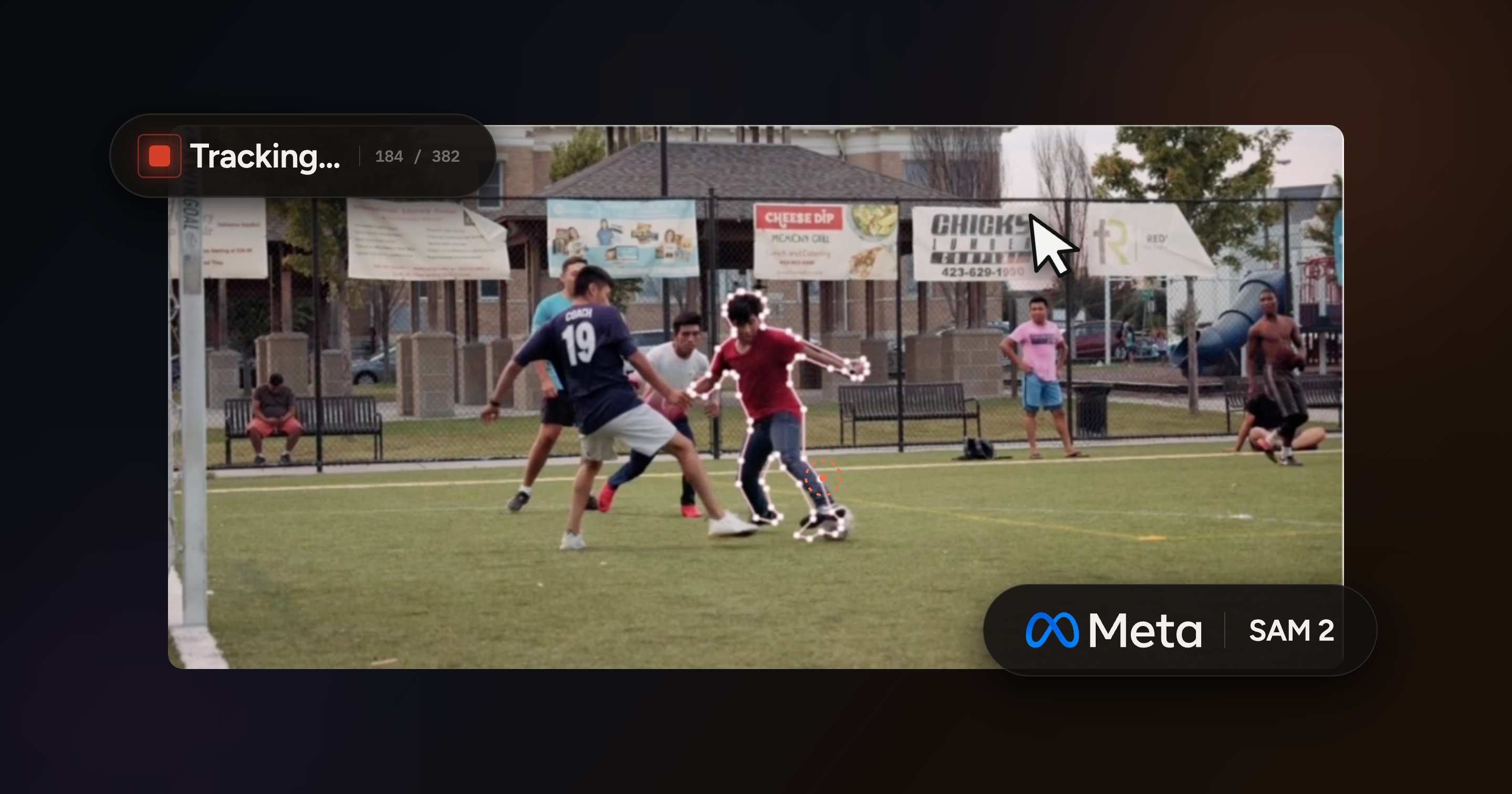
Video Object Segmentation and Tracking with VideoVector tag for SAM 2 in Label Studio
Draw a box around any object and follow it as it moves instead of segmenting frame by frame.

Micaela Kaplan
July 15, 2026
-
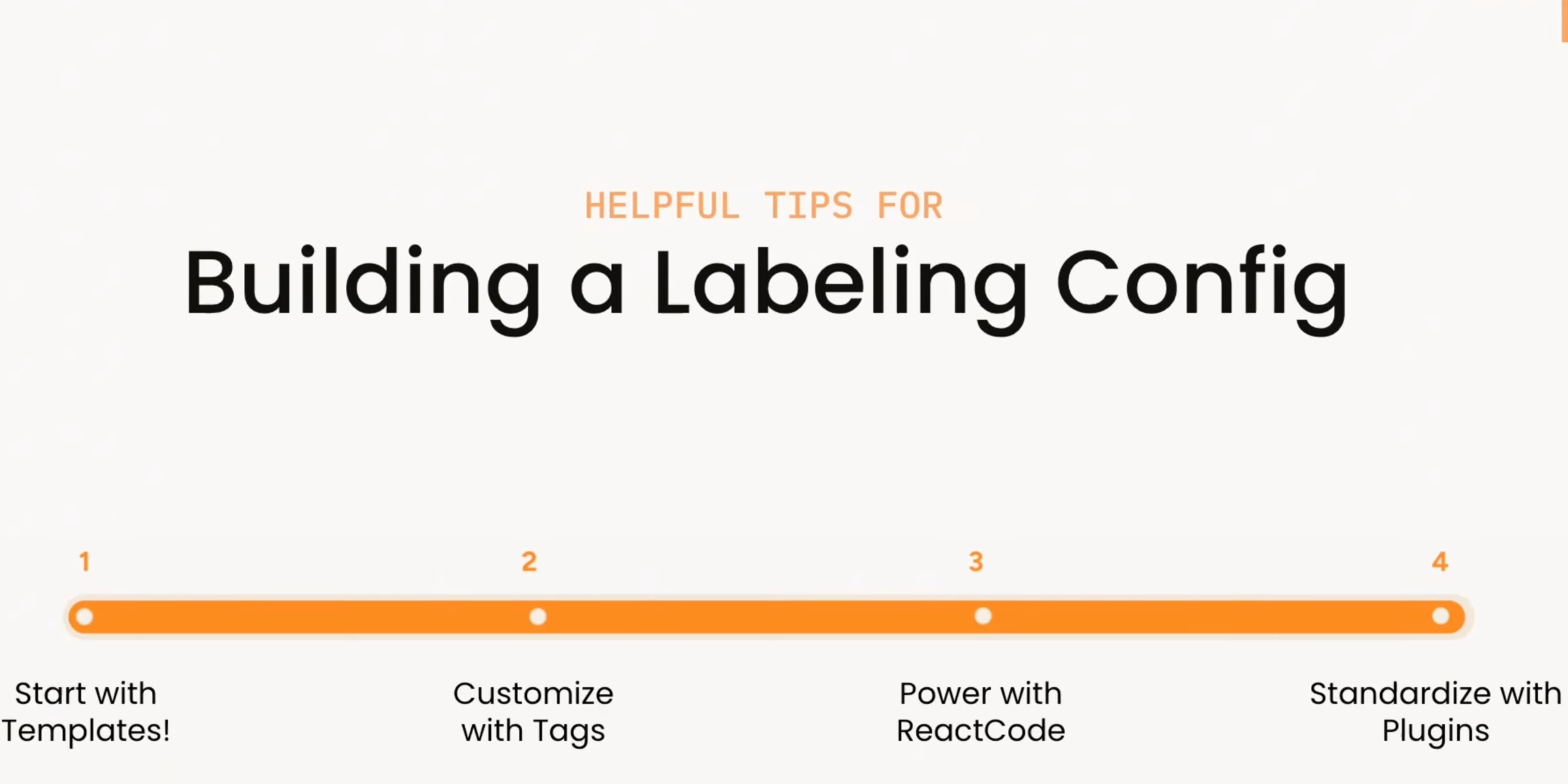
Building A Labeling Config in Label Studio Enterprise
How do you build the right labeling interface in Label Studio? This video walks through a practical progression: start with templates, customize with XML tags, extend with React Code, and standardize workflows with plugins.
-
Learn how to connect YOLO26 to a Label Studio project using the YOLO ML Backend so annotators can start from model predictions and focus on review and correction instead of drawing boxes from scratch.
Micaela Kaplan
February 12, 2026