Label Studio Wrapped 2025: Inside the Workflows Powering Today’s AI Teams
2025 was the year evaluation and data quality caught up with the pace of model innovation. Teams were no longer asking “Can we label this data?” so much as “Can we trust what our systems are doing in the real world, and can we improve them quickly when they fail?”
In our Label Studio Wrapped 2025 session, we looked back at how the product evolved to answer those questions across four themes: richer labeling use cases, quality workflows, enterprise visibility and control, and better tools for developers who need to integrate Label Studio into complex stacks.
This recap walks through each theme with concrete examples and links so you can reproduce the demos yourself.
Labeling use cases: from spectrograms to PDFs
The first part of the session focused on new ways to label data and evaluate outputs.
On the multimodal side, we showed how Label Studio can handle:
- Speech recognition and audio with spectrograms that give you even more information about what sounds were made
- Conversational AI evaluation via a chat interface designed for reviewing each turn in an interaction
- New formats and templates so you can move quickly from prototype to production projects
Along the way we highlighted support for:
- Markdown and Pixel bitmask labeling for computer vision work
- Native PDF workflows for documents that mix text, tables, and images
- JSONL and Parquet so you can move data in and out of modern data stacks without friction
Try it yourself
- Use the multimodal speech blueprint from the session and load the sample dataset to experiment with spectrograms, audio, and timeseries.
- Or start a fresh project with the [Audio] and [Video] tags we showed and plug in your own data.
- Explore the new PDF templates in the project creation flow to see what fits your use case.
2. Quality Workflows: annotator evaluation, prompts, and efficiency gains
The second theme was all about making quality measurable without slowing teams down.
We walked through annotator evaluation features that help you:
- Create quizzes for new annotators and track their performance
- Pause annotators when quality drops, without losing visibility into their work
- Compare annotator labels with model predictions and agreement scores directly in the members dashboard
We also showed how prompts for pre-labeling can turn large language models into helpers, not black boxes, by suggesting initial annotations that humans can correct.
Finally, we talked about some new usability improvements, including Dark Mode and the Command Palette, that make working in Label Studio faster than ever before.
Try it yourself
- Follow the annotator evaluation docs to set up quizzes, pausing rules, and agreement tracking for your projects.
- Check out the new Dark Mode feature by using the toggle on the top right of Label Studio
- Use the Command Palette to navigate around Label Studio, using [ctrl+k] on Windows and [cmd + k] on Mac
3. Quality Benchmarks: Understanding Model Performance
We also talked about benchmarks. Teams are using Label Studio to define evaluation sets, scoring rubrics, and side-by-side comparisons so they can answer questions like:
- Is version 2 of our model actually better than version 1?
- Where is it failing, and how should we prioritize fixes?
- How do we show progress to stakeholders and auditors in a repeatable way?
- If you want help scoping a benchmark for your own models, contact your account team and we can walk through it together.
To turn model-generated suggestions into pre-labels, enable Prompts for your workspace and talk to your sales contact or CSM about rollout.
4. Enterprise visibility and control: analytics and permissions
As labeling operations scale, questions about who is doing what, how well they are doing it, and who has access become central.
In 2025 we introduced an Analytics tab that gives teams a clear view into annotator and reviewer work:
- For annotators, you can track work completed, review outcomes, total time spent, average time per annotation, and composite scores.
- For reviewers, you can see how many items they reviewed, their review decisions, and their turnaround time.
- Member-by-member breakdowns and trends over time make it easier to spot top performers and outliers.
To match that visibility with control, we added custom permissions so account owners can define:
- Which projects different cohorts can access
- What actions they can take within those projects
- How to separate internal teams from vendors or crowdsourced workforces
We also continued to invest in integrations and whitelabelling so Label Studio can sit comfortably inside your existing governance and branding requirements.
Try it yourself
- Open the Analytics tab in your workspace to see annotator and reviewer metrics for your current projects. If you want access to upcoming analytics views, enable the early adopter toggle in your settings
- Configure custom permissions for your SaaS workspace in the account settings. If you are running Label Studio on-premises, contact your CSM for deployment guidance.
- Learn more about integrations like Databricks and ML backends in the docs.
5. Developers and connectivity: React UIs, embedding, and SDK 2.0
The final section focused on developers who integrate Label Studio into larger systems, from research benchmarks to production applications.
We highlighted:
- A set of example UIs that show how to tailor labeling workflows for domains like healthcare evaluations or game telemetry.
- A playful game demo to illustrate how far you can push React tags when you want highly interactive interfaces.
- Embed-ability so you can run Label Studio inside Jupyter notebooks or internal tools, which is especially useful for rapid experiments and demos.
- An updated SDK 2.0 plugin gallery, and new data connections (including GCS Workload Identity, Azure, and Databricks) to keep Label Studio connected to the rest of your stack.
Try it yourself
- Follow the embedding guide to recreate the notebook demo and embed Label Studio where your team already works.
- Check out the SDK 2.0 examples, plugin gallery, and updated integration guides] for concrete scripts you can adapt.
What comes next for 2026
If 2025 was about getting models into production, 2026 will be about making sure they behave the way you expect. Label Studio’s role in that story is simple: give you practical tools to label data, evaluate systems, and manage expert work in a way that fits your stack and your governance requirements.
Whether you are exploring multimodal speech data, comparing agent versions, or rolling out annotator evaluation across a large workforce, the same pattern keeps showing up: you need clear workflows, trustworthy signals, and tight loops between your experts and your models.
If you want to go deeper, use the blueprints, sample data, and docs linked in this post to:
- Recreate the demos with your own data
- Design benchmarks that reflect real-world scenarios
- Embed Label Studio into notebooks, internal tools, and production pipelines
And if you need a sounding board, reach out to your account team or our sales team here. We’re always interested in how you are using Label Studio and what you need next from the platform.
Related Content
-
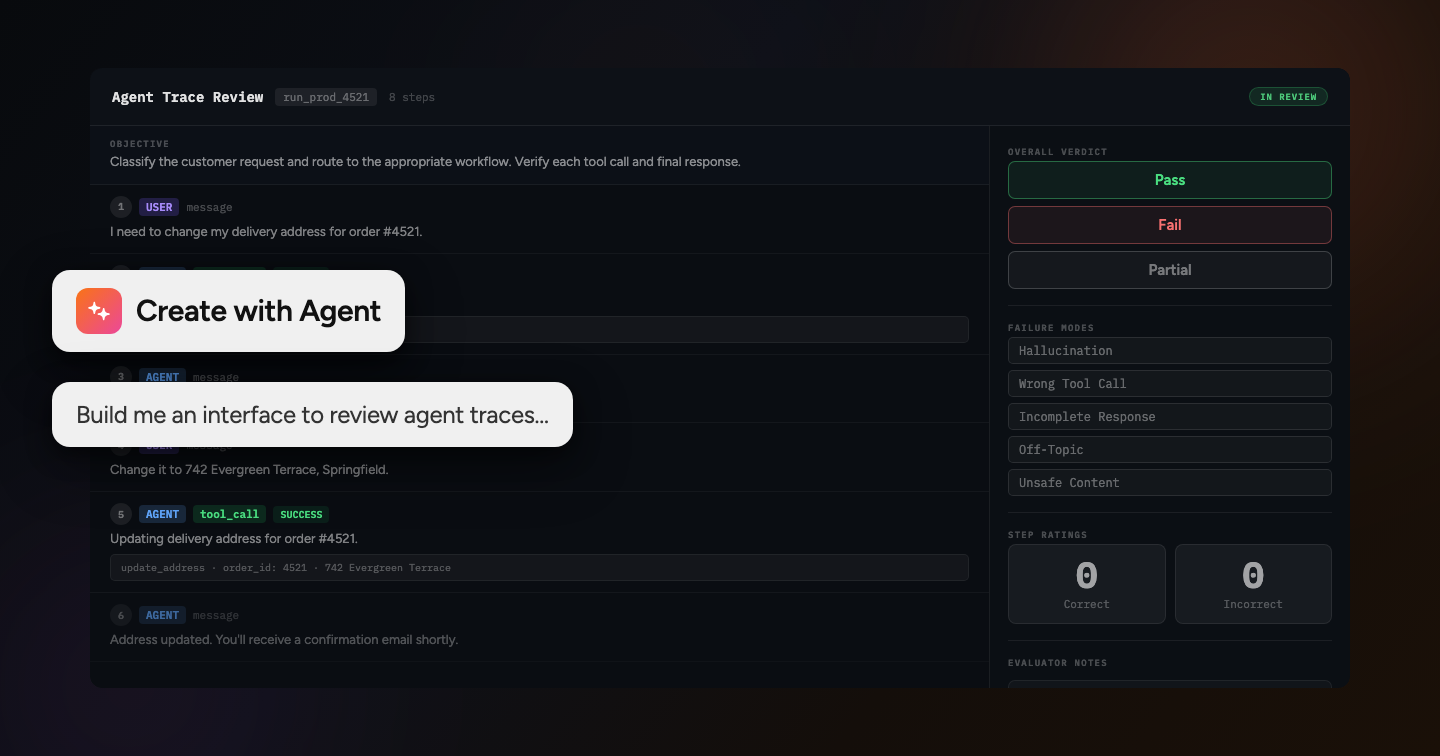
Vibe Code Any Labeling or Evaluation Interface with Label Studio Enterprise
Now you can have the speed and flexibility of coding agents with the powerful backend of Label Studio Enterprise.

HumanSignal Team
June 10, 2026
-
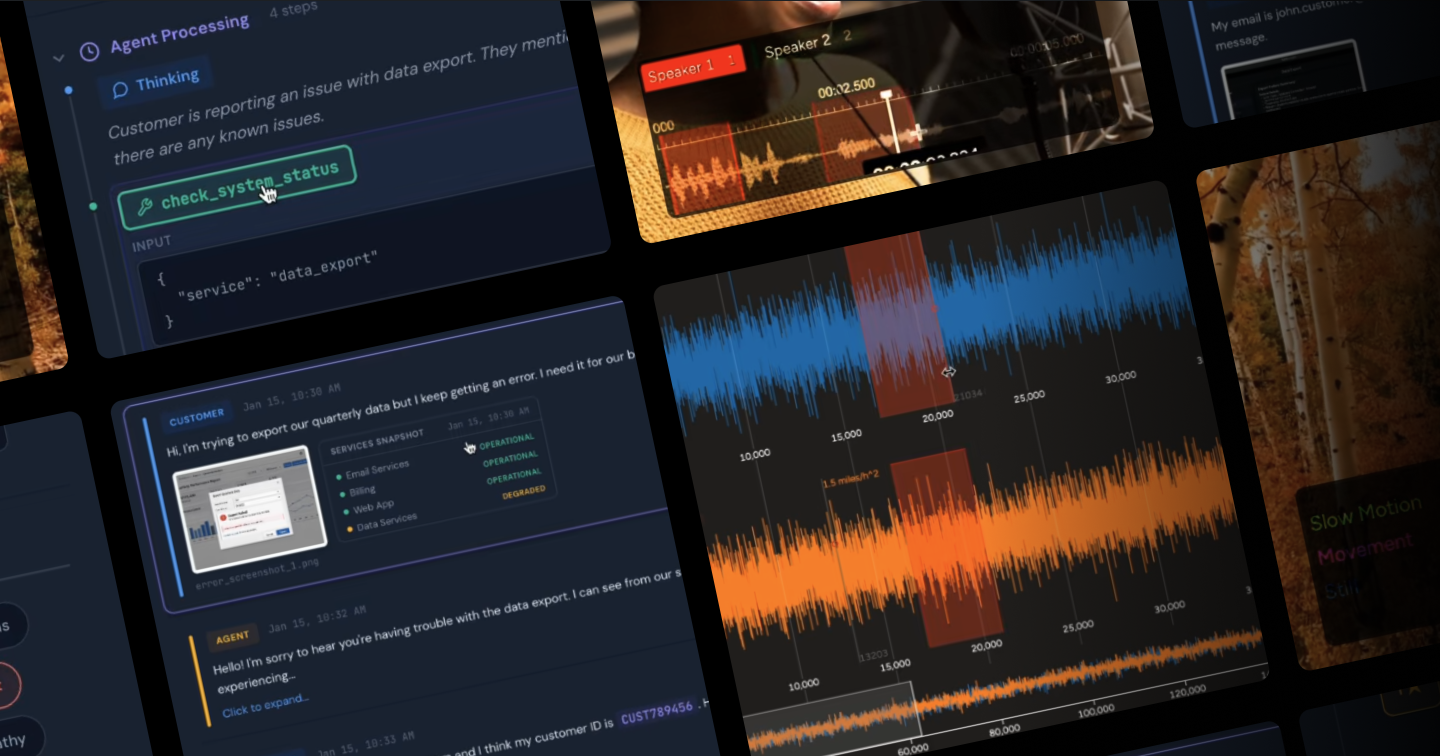
Building the New Human Evaluation Layer for AI and Agentic systems
Programmable. Embeddable. Multimodal. Meet the new evaluation engine powering custom interfaces for AI and agentic systems.

Michael Malyuk
January 14, 2026
-
Reflecting on an Exciting Year for Label Studio
Let’s dive into the highlights of 2024—from groundbreaking feature releases to engaging content that inspired and informed.
Michael Malyuk
December 17, 2024