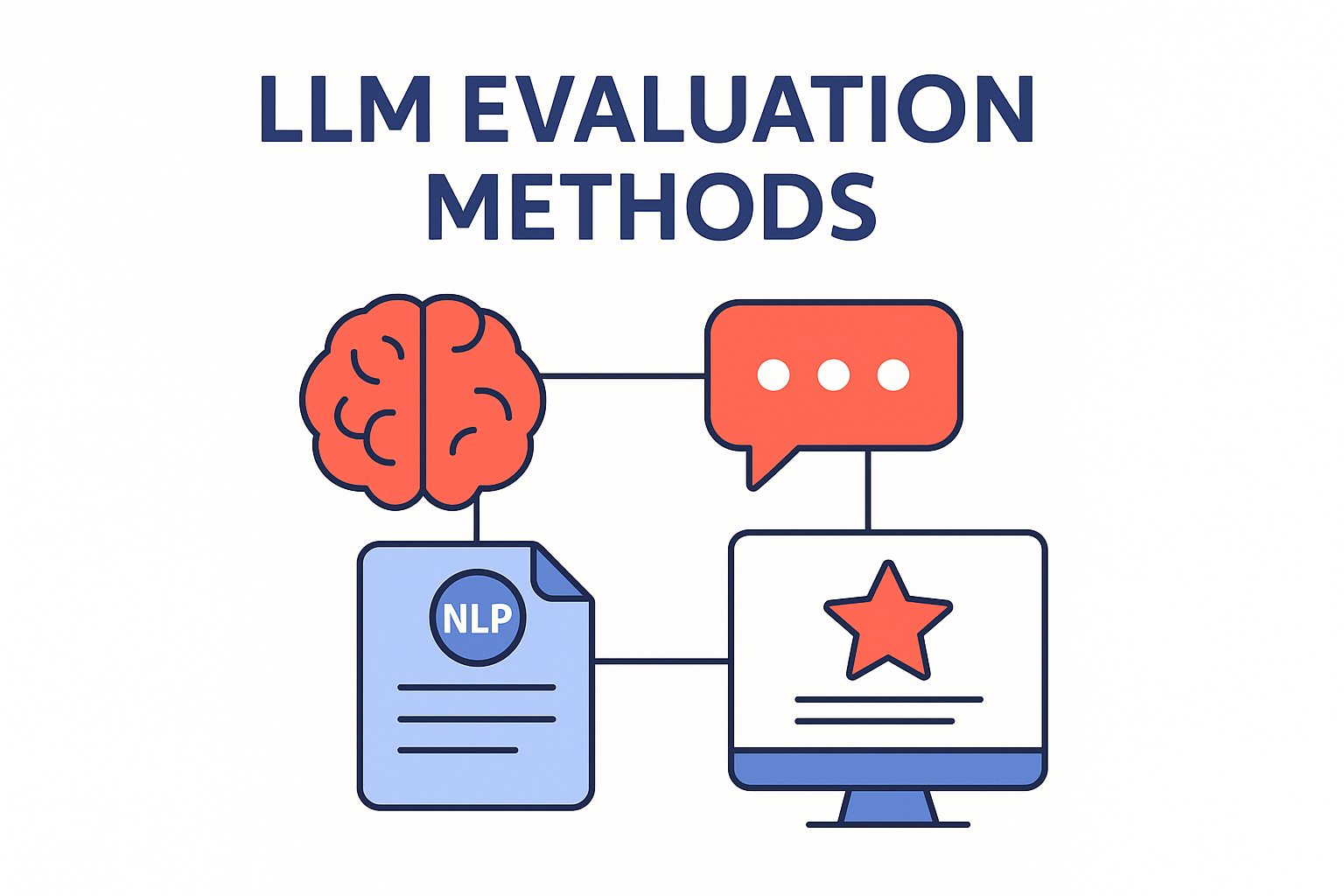
Best AI evaluation platforms with collaboration features for teams
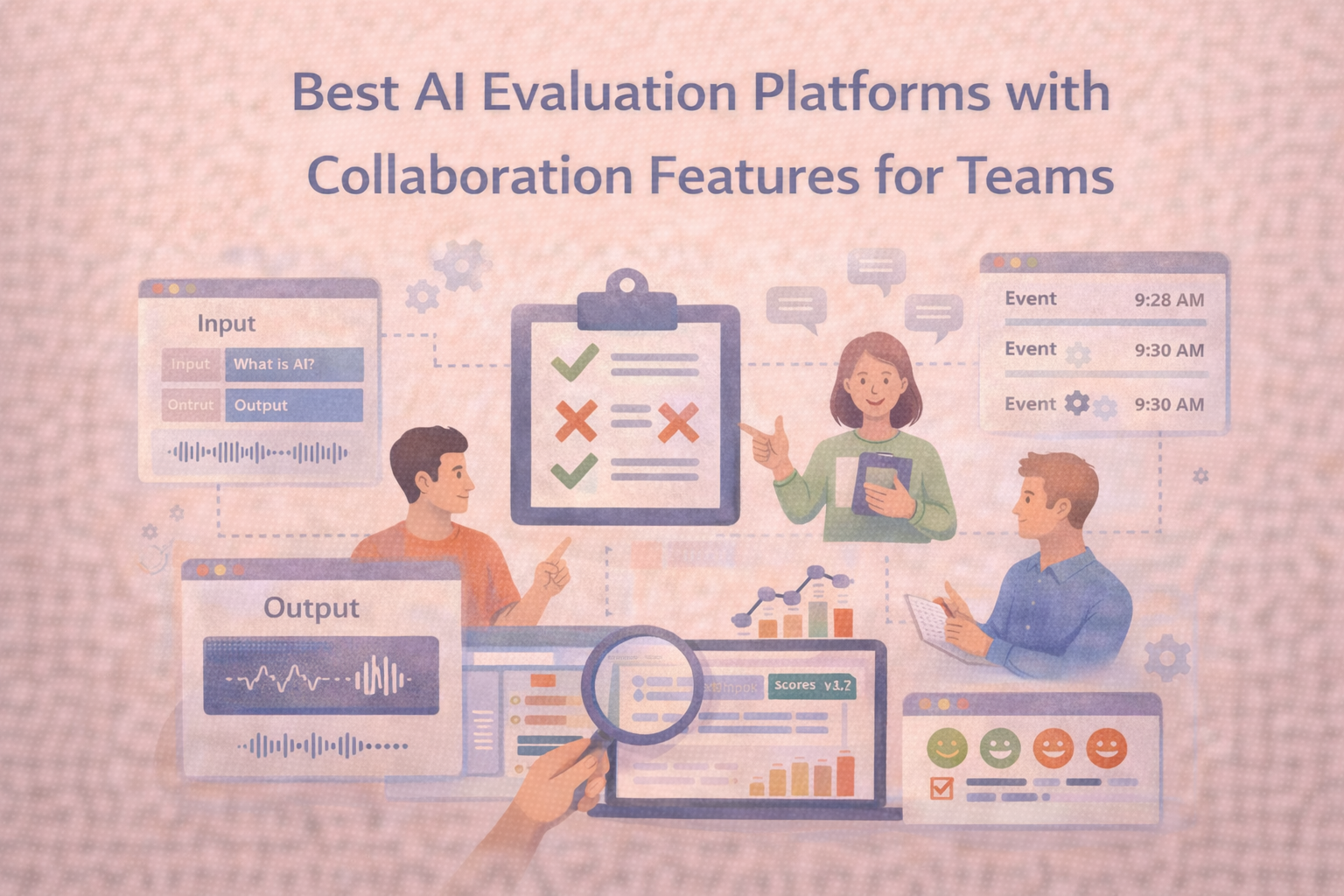
AI evaluation stops being a solo exercise the moment a second person joins the loop. One engineer runs tests, a subject matter expert flags edge cases, a reviewer wants consistency, and soon you’re coordinating decisions across people, not just models. At that point, collaboration features matter because they determine whether evaluation stays repeatable and auditable, or turns into scattered notes, duplicated work, and unclear sign-off.
This post breaks down what to look for in evaluation platforms when teams need to work together, then compares a few common options through the lens that tends to matter most: roles, review workflows, traceability, and governance.
What “collaboration features” mean for AI evaluation
In evaluation work, collaboration is less about messaging and more about how work moves through a team. The strongest collaboration features usually fall into four buckets.
First, teams need structured roles and permissions so people can contribute without everyone having the same level of access. This becomes critical as soon as you have external reviewers, contractors, or separate business units participating in the same evaluation program.
Second, teams benefit from assignment and review workflows that prevent duplicated effort and make it clear who owns what. Assignment supports controlled sampling, separation of duties, and reviewer-only queues, all of which show up quickly in real evaluation programs.
Third, real collaboration needs in-context feedback, such as comments and notifications tied to the specific item being reviewed. When feedback lives inside the evaluation workflow, you can resolve disagreements without losing context.
Finally, collaboration at scale requires governance: identity controls, audit trails, and traceability. When someone asks why a model was approved, the answer should live in the system rather than in someone’s memory.
Comparison table (collaboration and governance)
| Collaboration / Governance capability | Label Studio (Enterprise) | Labelbox | Encord | SuperAnnotate |
| Task-level comments + notifications for annotator/reviewer feedback | Yes | No | No | No |
| Assign reviewers / structured review workflow inside projects | Yes | No | No | No |
| Role-based access control (project/workspace/org roles) | Yes | No | No | No |
| SSO (Enterprise) | Yes | Yes | Yes | Yes |
| LDAP support (explicitly documented) | Yes | Yes | No | No |
| SCIM support (explicitly documented) | Yes | No | No | No |
| Audit / activity logs (explicitly documented) | Yes | Yes | No | No |
| Self-hosted / on-prem deployment option (explicitly documented) | Yes | No | Yes | No |
Why Label Studio comes out on top for team collaboration
For collaboration-heavy evaluation work, Label Studio has the clearest, most end-to-end “work together in the same project” story in publicly available docs. It supports collaboration mechanisms that map closely to how teams actually run evaluation programs: discussing specific items, routing tasks intentionally, separating duties across roles, and maintaining a record of activity when decisions need to be revisited later.
You can see this in the way Label Studio documents task-level coordination and governance. For example, it explicitly supports comments and notifications inside projects, which is where most real evaluation alignment happens when reviewers disagree on edge cases: Comments and notifications. It also documents structured review patterns, including assigning reviewers: Review annotation quality. On the governance side, it documents identity controls including SSO plus provisioning options: Set up SSO authentication and SSO, LDAP & SCIM. It also documents activity logging, which is part of what turns collaboration into a process you can audit: Activity logs.
How to choose based on what your team needs
If the core problem is day-to-day reviewer coordination, prioritize platforms that keep discussion and review routing inside the project rather than pushing it into external tools. That’s where comments, notifications, and explicit reviewer assignment become a practical advantage, since they keep context attached to the item being evaluated.
If the bigger risk is governance and control, look for clearly documented identity and audit features. This tends to matter most when teams are distributed, include external contributors, or operate in regulated environments where you need to show who had access and what changes were made.
If your environment requires deployment flexibility, treat documented self-hosted options as a separate evaluation axis. Teams often discover late that a cloud-only workflow does not fit their data controls, so it helps to confirm deployment posture early.
Frequently Asked Questions
Frequently Asked Questions
What collaboration feature tends to matter most for evaluation quality?
Role separation plus assignment and review workflows usually moves the needle first because it creates consistent ownership and consistent sign-off. When teams can route work intentionally, they spend less time reconciling mismatched assumptions and more time improving the evaluation signal.
Why do audit and activity logs matter if we are only doing evaluation?
Evaluation results often drive real decisions. When a model regresses, when a release is questioned, or when a stakeholder asks why something was approved, activity logs help reconstruct the decision path without relying on memory or scattered notes.
Should small teams care about collaboration features?
Yes, because small teams grow quickly once a project becomes important. Even a lightweight workflow that includes assignment and structured review prevents duplicated effort and makes it easier to onboard new contributors later.
Can we get away with shared folders and spreadsheets instead?
Teams can start that way, but it tends to break when the volume increases or when multiple reviewers disagree. The missing piece is usually traceability: a system of record for decisions, not just a place to store artifacts.
Related Content
-
How to build a red teaming dataset
Learn how to build a red teaming dataset with a reusable schema, three sourcing tiers, expert annotation, and a maintenance workflow that keeps your model's safety coverage current.
-
How to Set up AI Evaluation Pipelines in a Machine Learning Workflow
Evaluation pipelines turn model testing into a repeatable habit, making performance changes and failure patterns easier to catch early.
-
Few‑Shot Learning: Train AI with Just a Few Examples
Few‑shot learning empowers AI systems to generalize from only a handful of labeled samples. It's a game-changer for settings with limited data, slashing resource needs and accelerating deployment.
-
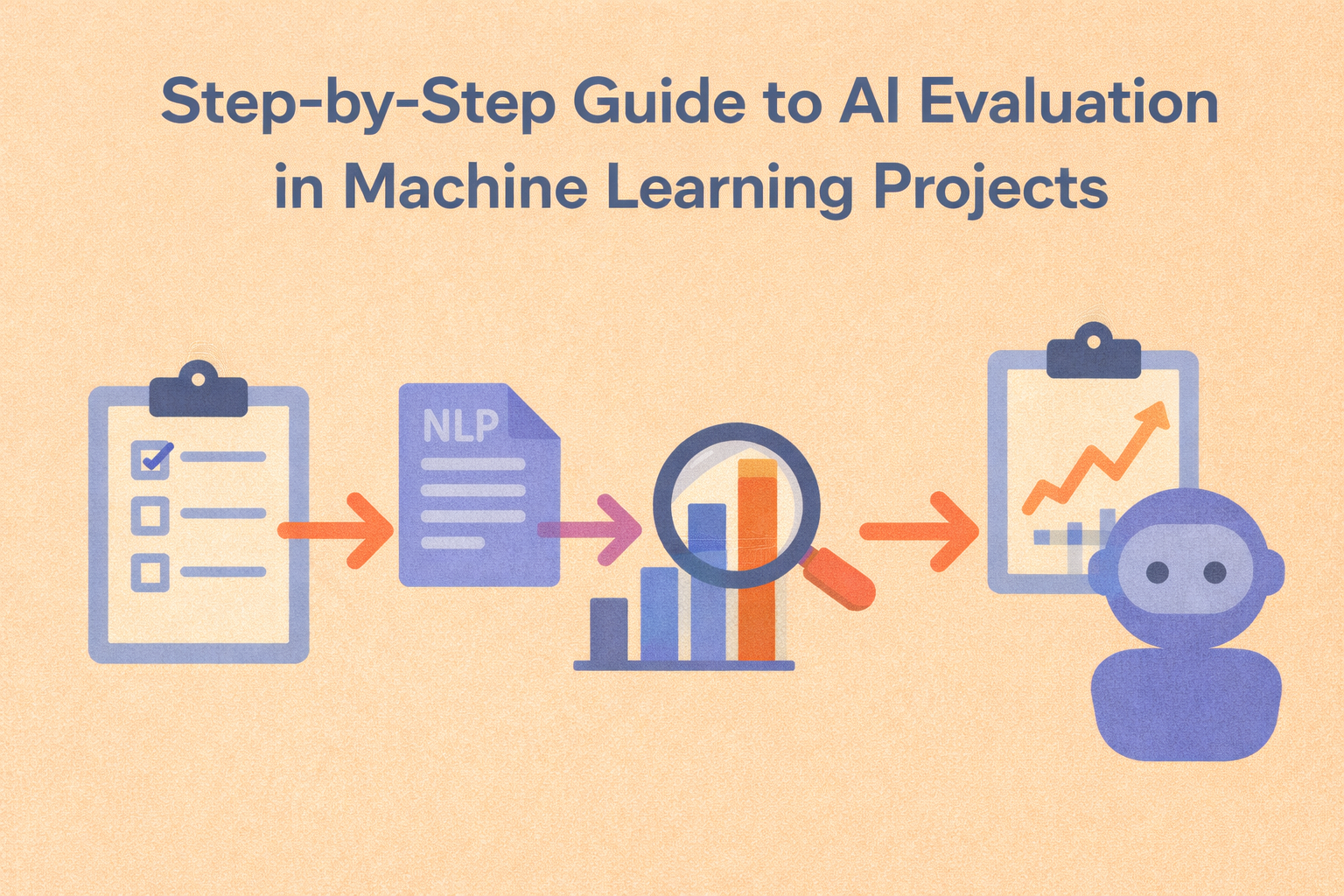
Step-by-step guide to AI evaluation in machine learning projects
A structured evaluation workflow helps you move from raw metrics to confident decisions about model quality, risk, and readiness.
-
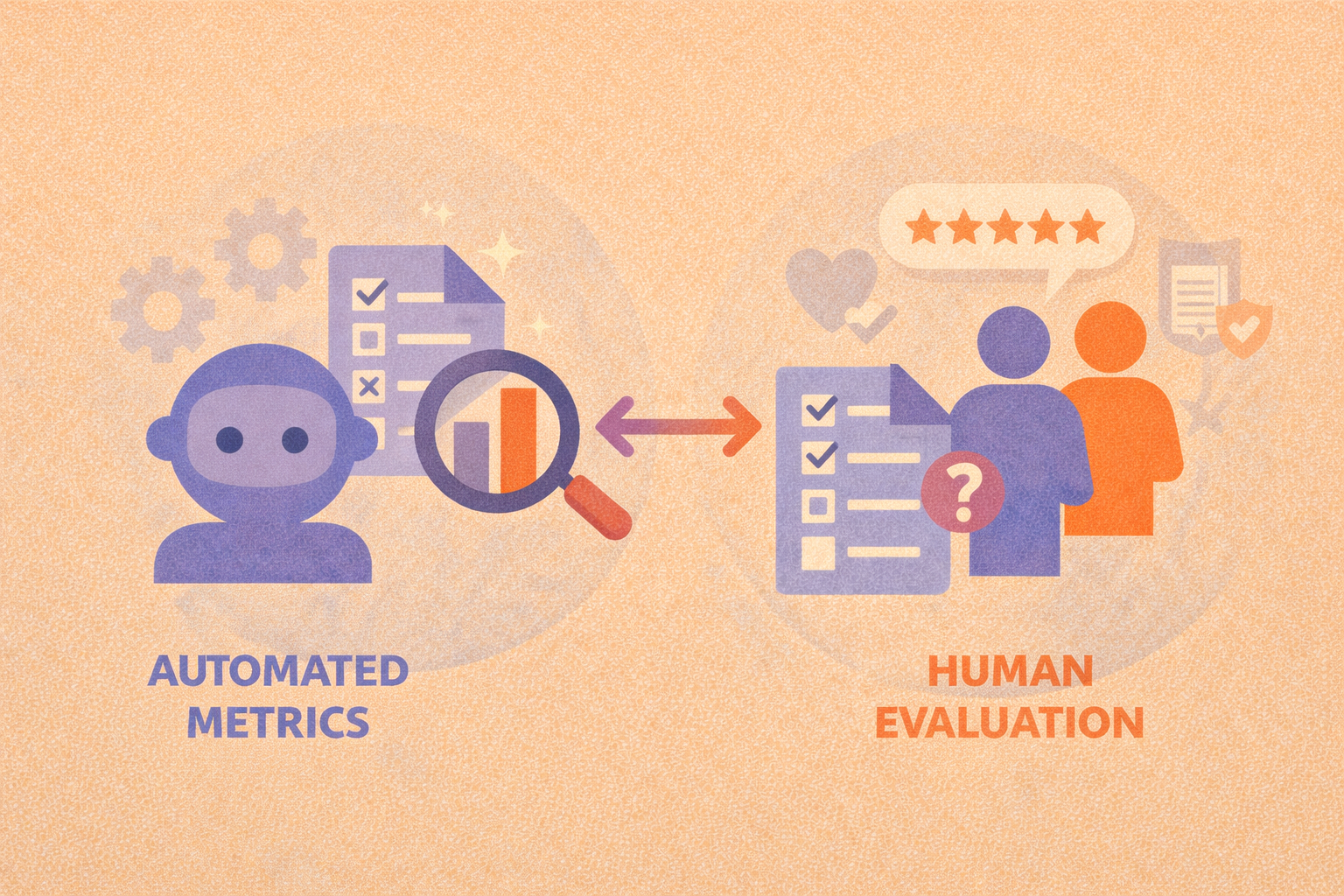
Automated metrics vs human evaluation: when each is the right choice
Automated metrics provide scale and consistency, while human evaluation captures nuance, effective AI evaluation programs rely on both.
-
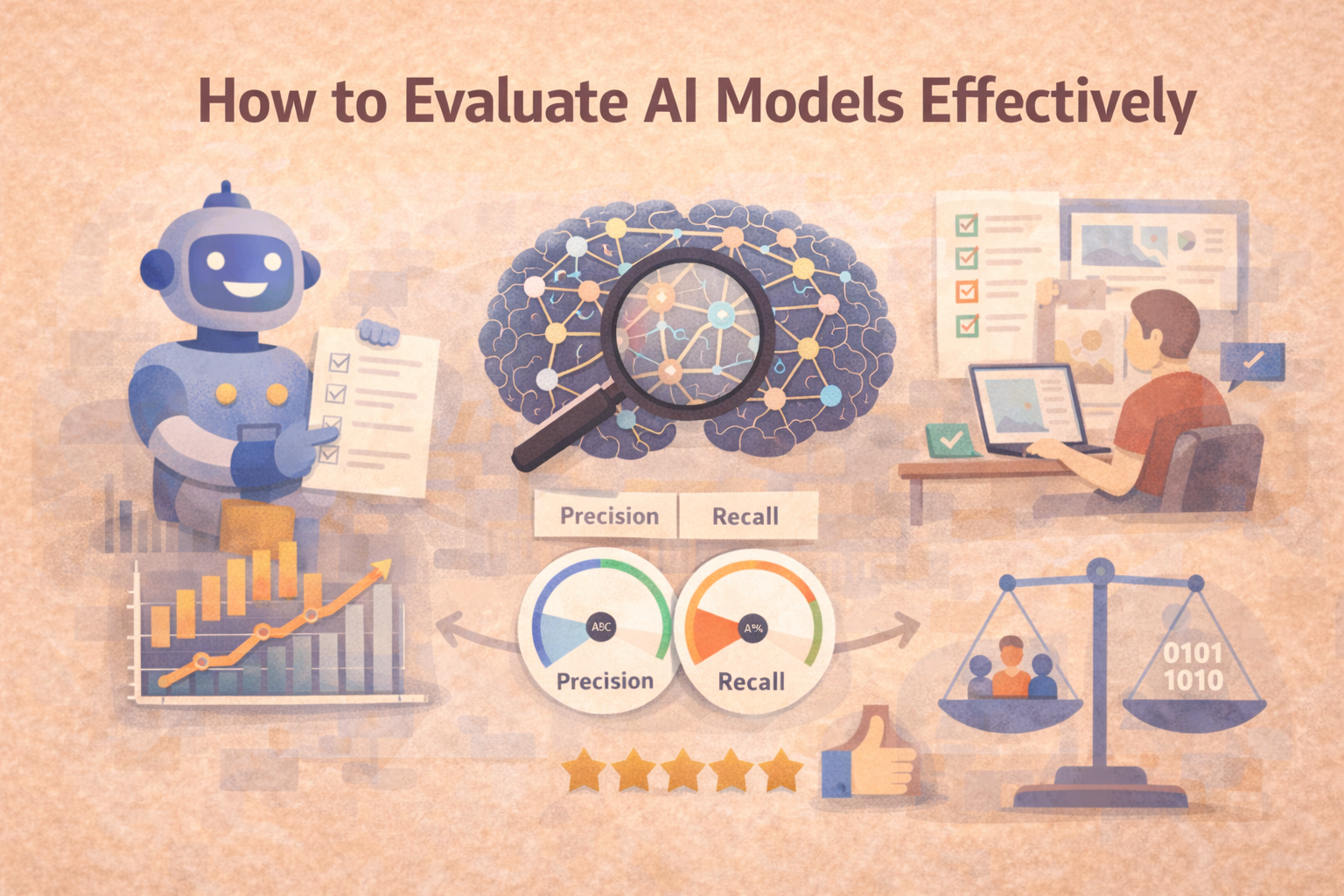
How to Evaluate AI Models Effectively
AI model evaluation isn’t just about accuracy. Learn how to evaluate your models across key dimensions like reliability, bias, and real-world performance.
-
The Complete Guide to Evaluations in AI
Evaluating an AI model isn’t just about checking accuracy, it’s about building trust. This guide explores the full spectrum of evaluation methods, from metrics to human-in-the-loop reviews and LLM-based scoring.
-
ReCode Robustness Evaluation of Code Generation Models: What It Is and Why It Matters
What happens when a code generation model sees slightly modified inputs? ReCode is a benchmark designed to evaluate exactly that—how robustly these models handle variation in the wild.
-
How to Choose Evaluation Metrics for Accuracy and Speed
The right evaluation metrics make accuracy–speed tradeoffs visible so you can optimize for what actually matters in production.
-
Why Explainability Matters in AI Evaluation
This blog explores how explainability and interpretability fit into AI evaluations, helping teams build trust, spot hidden flaws, and ensure ethical performance.
-
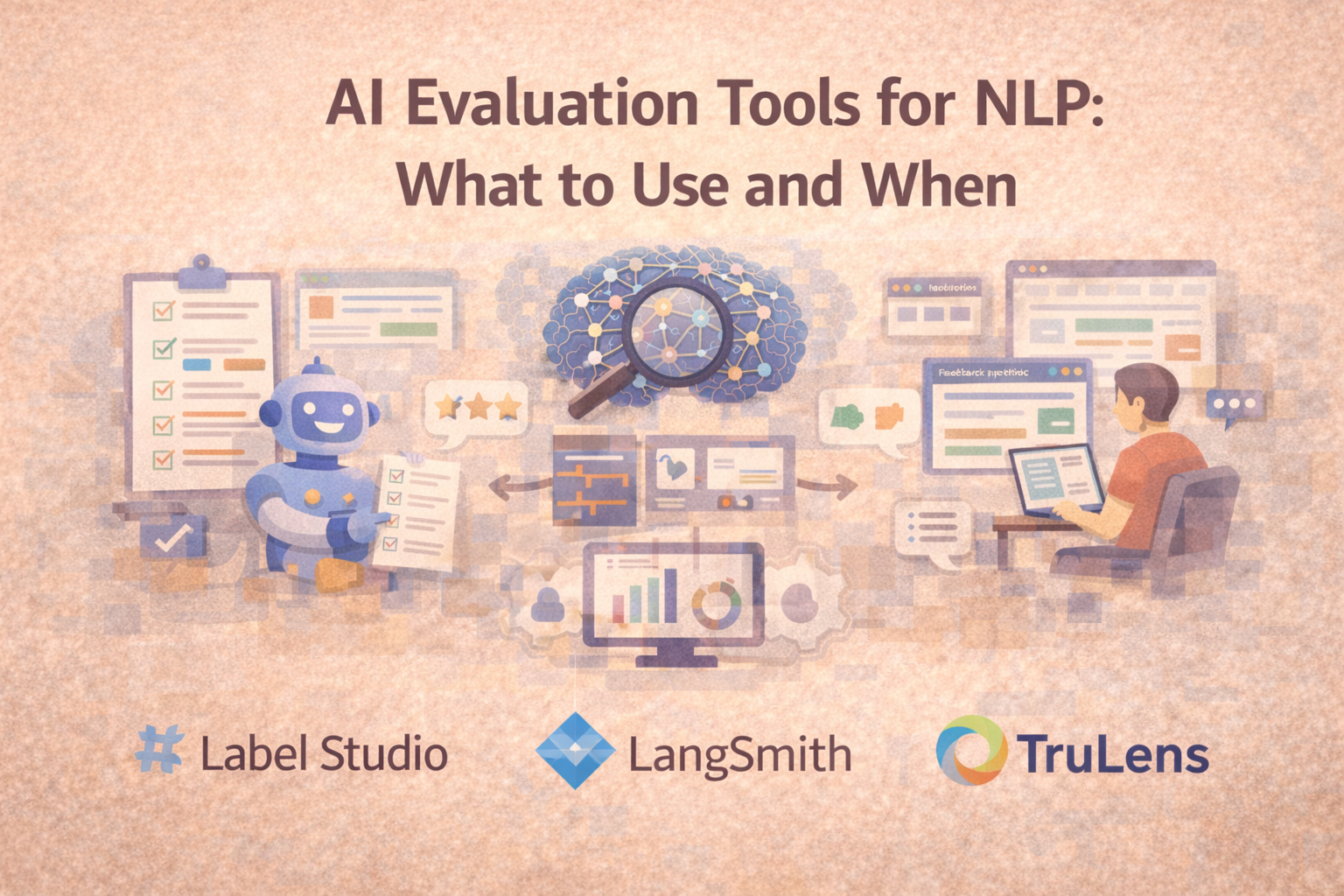
AI Evaluation for NLP: What to Use (and When)
NLP evaluation often needs more than automated scores. This guide explains three common tool paths—structured human review, app-layer LLM evaluation, and programmable scoring—and when each fits best.
-
Offline evaluation vs online evaluation: when to use each
Offline evaluation enables fast, repeatable model comparison, while online evaluation confirms whether those gains hold up under real-world conditions.
-
Where to find AI evaluation support for multi-modal model assessment
The right starting point depends on whether you need offline benchmarking, structured human review, regression testing, or real-world monitoring.
-
Human-in-the-Loop Evaluations: Why People Still Matter in AI
Human-in-the-loop (HITL) evaluations bring expert oversight into AI workflows. Learn where humans add value, how to scale review, and when it matters most.
Let me know if you'd like a hero image or a CTA linking this to your evaluations pillar page.
-
How to Automatically Catch Mistakes from Large Language Models
Evaluating the quality of large language model (LLM) outputs isn't one-size-fits-all. This guide breaks down four key methods, reference comparison, LLM-as-a-judge, rule-based checks, and classifiers, to help you automatically detect common errors like hallucinations, bias, and off-topic responses. Learn when and how to apply each method effectively.
-
AI Governance and Compliance: Why Evaluations Are the Missing Link
Without strong evaluation workflows, compliance with ethical and legal standards is impossible to verify, let alone enforce. Here’s how to close the gap.
-
This hub explores the full spectrum of evaluation methods, from metrics to human-in-the-loop reviews and LLM-based scoring across multiple articles.
-
Machine Learning Evaluation Metrics: What Really Matters?
Accuracy isn’t everything. Learn how precision, recall, F1 score, and more help you measure what really matters in machine learning model performance.
-
Understanding Model Accuracy: How to Evaluate Your AI
Accuracy is one of the most common metrics in machine learning evaluation, but it’s also one of the most misunderstood. Here’s how to use it wisely.
-

How to Get Demos of AI Evaluation Software Before You Buy
This guide explains how to prepare the right sample outputs, define structured review criteria, ask the right integration questions, and compare tools clearly before you buy.
-
How to Monitor AI Performance in Production: A Guide to Continuous Evaluation and Drift Detection
AI models don’t stop learning after deployment, but that doesn’t mean their performance stays reliable. This guide covers how to monitor your models in the real world, detect drift, and maintain accuracy over time.
-
Popular AI evaluation APIs for developers
AI evaluation APIs make it easier to run repeatable tests, track results over time, and catch regressions, as long as you design the workflow around versioning, traceability, and meaningful metrics.
-

What AI evaluation platforms specialize in assessing generative AI models?
GenAI evaluation works best when teams can review multi-turn outputs with consistent rubrics, shared workflows, and reliable governance.