How to Get Demos of AI Evaluation Software Before You Buy

Buying AI evaluation software is rarely a single feature decision. Most teams need to confirm it fits their data types, workflow, security requirements, and review process before they commit.
A good demo helps you answer the questions that matter: Can this tool evaluate the outputs you care about? Can it support structured human review when metrics fall short? Can it scale to your volume and governance needs?
If you want a broader overview of evaluation methods (metrics, human review, LLM judges, and hybrid strategies), start with The Complete Guide to Evaluations in AI.
What “a demo” should prove
The best demos focus on your real evaluation workflow, not a generic product tour. Before you book anything, decide what you need to validate.
Most teams use demos to confirm workflow fit, data compatibility, review quality controls, integration needs, scale constraints, and governance requirements.
Step 1: Get clear on what you want to evaluate
Evaluation software can mean different things depending on your use case. Some tools focus on automated scoring and dashboards. Others are designed for structured human review and ground truth validation. Many teams use a hybrid approach.
Before requesting a demo, document your model type (LLM, classifier, ranking, vision, multi-modal), the output format you need to evaluate, and the decisions you need evaluation to support (release readiness, regression detection, safety QA, data quality).
If you’re deciding how much to rely on automated scores versus human review, this guide helps clarify the tradeoffs: Automated Metrics vs Human Evaluation: When Each Is the Right Choice.
Step 2: Ask for the right kind of demo
You can usually get three types of “demos.” The best option depends on what you need to validate.
A product walkthrough is useful for screening. A proof-of-concept is usually the best signal because it uses your real outputs and workflow. A sandbox or trial environment works well for hands-on teams who want to test independently.
If you can, aim for a short POC or guided trial. That’s where you’ll learn if the tool supports your evaluation loop end-to-end.
Step 3: Bring a small, representative dataset
A demo improves dramatically when you bring realistic examples. You don’t need a large dataset, but you do want variety: typical cases, edge cases, ambiguous examples, and anything safety-sensitive or high-risk for your domain.
If you can’t share production data, ask whether the vendor supports redacted samples, synthetic data that matches structure, or running the demo in your environment.
Step 4: Define your evaluation rubric ahead of time
If humans will review outputs, rubrics matter. A demo should show structured evaluation, not just freeform feedback.
Bring your criteria (correctness, completeness, safety, clarity), your scoring scale, and a few examples that anchor what “good” and “bad” look like. Ask how disagreements are handled and how calibration keeps reviewers aligned.
For more detail on how teams structure and scale human review, see Human-in-the-Loop Evaluations: Why People Still Matter in AI.
Step 5: Request integration details early
Integration is where many evaluation tools fall short, even if the UI looks good. During the demo, ask how the tool supports importing model outputs, connecting to storage, authentication and role-based access, export formats, and APIs/webhooks for automation.
If evaluation needs to be repeatable, integration and governance deserve as much attention as the scoring interface.
Step 6: Use a demo checklist and score the results
Teams often leave demos with opinions instead of decisions. A short checklist makes it easier to compare tools.
Score what you saw based on time to first working workflow, rubric setup, review controls (calibration, agreement, audit trail), reporting clarity, integration effort, and cost drivers.
If you want a practical end-to-end evaluation workflow (useful for building that checklist), reference How to Evaluate AI Models Effectively.
Questions to ask in every evaluation software demo
Use these questions to keep the demo grounded in what matters:
- Can we evaluate outputs by slice (edge cases, categories, regions, languages)?
- How do we define and enforce a rubric?
- How do you handle reviewer disagreement and calibration?
- What’s the audit trail for evaluation results and changes over time?
- How do you import model outputs and export results?
- What does it look like to run this repeatedly in a release cycle?
- What are the biggest setup risks for teams like ours?
Final Thoughts
Getting a demo of AI evaluation software works best when you treat it like workflow validation. Bring a small dataset, define your rubric, and ask to see the tool run your evaluation loop end-to-end.
For the full evaluation landscape and how methods fit together, return to The Complete Guide to Evaluations in AI.
Frequently Asked Questions
Frequently Asked Questions
What should I prepare before requesting a demo of AI evaluation software?
Start with a small, representative sample of your model outputs—include typical cases and a few edge cases that matter to your product. Write down what “good” looks like for your use case, including any quality criteria you want to score (for example: correctness, completeness, safety, or policy compliance). If you already use automated metrics, bring those too so you can see how the tool supports both quantitative scoring and structured review. It also helps to list basic requirements up front, like SSO, role-based access, deployment preferences, and export formats.
Should I ask for a product demo, a trial, or a proof of concept?
A product demo is best for quickly screening whether a tool supports your general workflow. A trial is useful if your team wants hands-on time to test setup, usability, and integrations. A proof of concept is the strongest option when you’re close to purchase, because it uses your real outputs and evaluation criteria to validate fit. If you have time for only one step, aim for a guided trial or a short proof of concept so you can confirm the tool supports your evaluation loop end to end.
How do I compare multiple evaluation tools fairly?
Use the same inputs and the same evaluation criteria across vendors. Keep the demo scope consistent: identical sample outputs, the same rubric or scoring method, and the same “success” requirements (reporting, audit trail, exports, reviewer controls). After each demo, score what you saw using a short checklist, time to first working workflow, ease of rubric setup, reviewer management and calibration features, reporting clarity, integration effort, and cost drivers. This prevents decisions based on presentation quality instead of real fit.
What questions should I ask during an AI evaluation software demo?
Focus on workflow and repeatability. Ask how you import outputs and export results, whether you can evaluate by slice (edge cases, languages, categories), and how the tool supports structured human review (rubrics, calibration, disagreement handling, audit trail). If LLM-based scoring is involved, ask how it’s validated against human benchmarks and how stable it is over time. Finally, ask what the rollout looks like for a team like yours—what typically breaks, what setup takes the longest, and what “good” looks like after the first few weeks.
Related Content
-
How to build a red teaming dataset
Learn how to build a red teaming dataset with a reusable schema, three sourcing tiers, expert annotation, and a maintenance workflow that keeps your model's safety coverage current.
-
How to Set up AI Evaluation Pipelines in a Machine Learning Workflow
Evaluation pipelines turn model testing into a repeatable habit, making performance changes and failure patterns easier to catch early.
-
Few‑Shot Learning: Train AI with Just a Few Examples
Few‑shot learning empowers AI systems to generalize from only a handful of labeled samples. It's a game-changer for settings with limited data, slashing resource needs and accelerating deployment.
-
Step-by-step guide to AI evaluation in machine learning projects
A structured evaluation workflow helps you move from raw metrics to confident decisions about model quality, risk, and readiness.
-

Best AI evaluation platforms with collaboration features for teams
Once evaluation involves multiple reviewers and stakeholders, permissions, review workflows, and audit trails matter as much as the metrics.
-
Automated metrics vs human evaluation: when each is the right choice
Automated metrics provide scale and consistency, while human evaluation captures nuance, effective AI evaluation programs rely on both.
-
How to Evaluate AI Models Effectively
AI model evaluation isn’t just about accuracy. Learn how to evaluate your models across key dimensions like reliability, bias, and real-world performance.
-
The Complete Guide to Evaluations in AI
Evaluating an AI model isn’t just about checking accuracy, it’s about building trust. This guide explores the full spectrum of evaluation methods, from metrics to human-in-the-loop reviews and LLM-based scoring.
-
ReCode Robustness Evaluation of Code Generation Models: What It Is and Why It Matters
What happens when a code generation model sees slightly modified inputs? ReCode is a benchmark designed to evaluate exactly that—how robustly these models handle variation in the wild.
-
How to Choose Evaluation Metrics for Accuracy and Speed
The right evaluation metrics make accuracy–speed tradeoffs visible so you can optimize for what actually matters in production.
-
Why Explainability Matters in AI Evaluation
This blog explores how explainability and interpretability fit into AI evaluations, helping teams build trust, spot hidden flaws, and ensure ethical performance.
-
AI Evaluation for NLP: What to Use (and When)
NLP evaluation often needs more than automated scores. This guide explains three common tool paths—structured human review, app-layer LLM evaluation, and programmable scoring—and when each fits best.
-
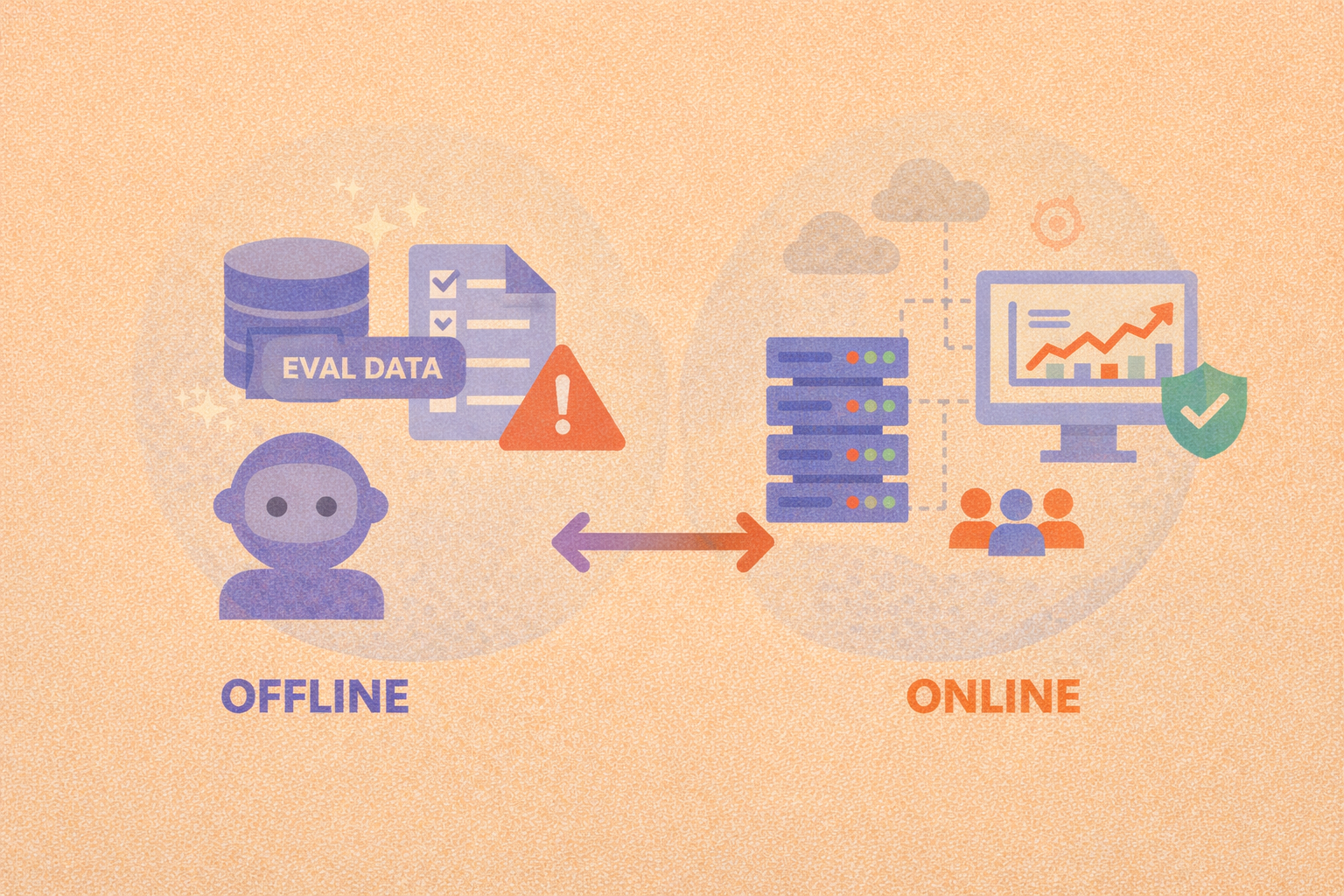
Offline evaluation vs online evaluation: when to use each
Offline evaluation enables fast, repeatable model comparison, while online evaluation confirms whether those gains hold up under real-world conditions.
-
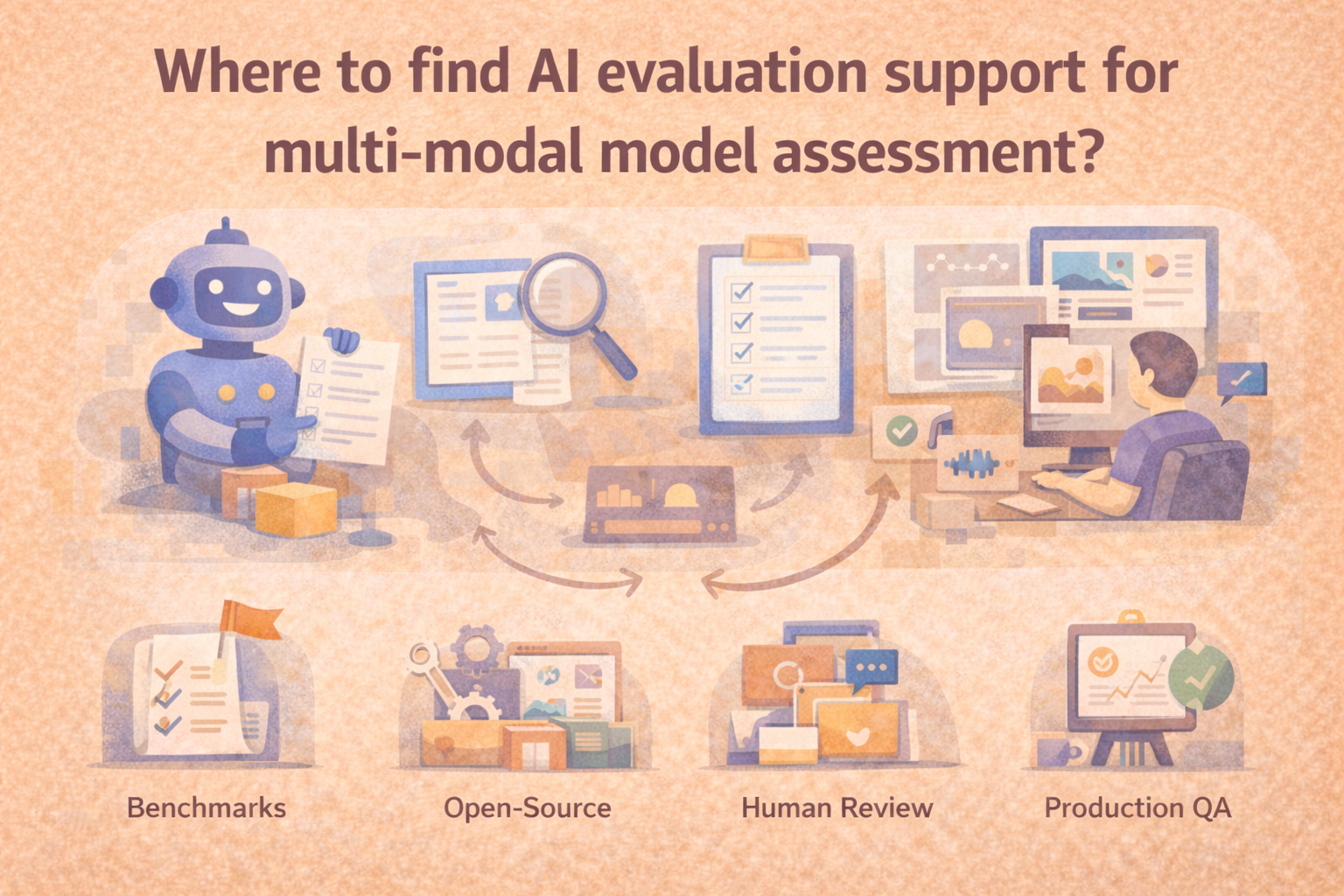
Where to find AI evaluation support for multi-modal model assessment
The right starting point depends on whether you need offline benchmarking, structured human review, regression testing, or real-world monitoring.
-
Human-in-the-Loop Evaluations: Why People Still Matter in AI
Human-in-the-loop (HITL) evaluations bring expert oversight into AI workflows. Learn where humans add value, how to scale review, and when it matters most.
Let me know if you'd like a hero image or a CTA linking this to your evaluations pillar page.
-
How to Automatically Catch Mistakes from Large Language Models
Evaluating the quality of large language model (LLM) outputs isn't one-size-fits-all. This guide breaks down four key methods, reference comparison, LLM-as-a-judge, rule-based checks, and classifiers, to help you automatically detect common errors like hallucinations, bias, and off-topic responses. Learn when and how to apply each method effectively.
-
AI Governance and Compliance: Why Evaluations Are the Missing Link
Without strong evaluation workflows, compliance with ethical and legal standards is impossible to verify, let alone enforce. Here’s how to close the gap.
-
This hub explores the full spectrum of evaluation methods, from metrics to human-in-the-loop reviews and LLM-based scoring across multiple articles.
-
Machine Learning Evaluation Metrics: What Really Matters?
Accuracy isn’t everything. Learn how precision, recall, F1 score, and more help you measure what really matters in machine learning model performance.
-
Understanding Model Accuracy: How to Evaluate Your AI
Accuracy is one of the most common metrics in machine learning evaluation, but it’s also one of the most misunderstood. Here’s how to use it wisely.
-
How to Monitor AI Performance in Production: A Guide to Continuous Evaluation and Drift Detection
AI models don’t stop learning after deployment, but that doesn’t mean their performance stays reliable. This guide covers how to monitor your models in the real world, detect drift, and maintain accuracy over time.
-
Popular AI evaluation APIs for developers
AI evaluation APIs make it easier to run repeatable tests, track results over time, and catch regressions, as long as you design the workflow around versioning, traceability, and meaningful metrics.
-
What AI evaluation platforms specialize in assessing generative AI models?
GenAI evaluation works best when teams can review multi-turn outputs with consistent rubrics, shared workflows, and reliable governance.