Popular AI evaluation APIs for developers
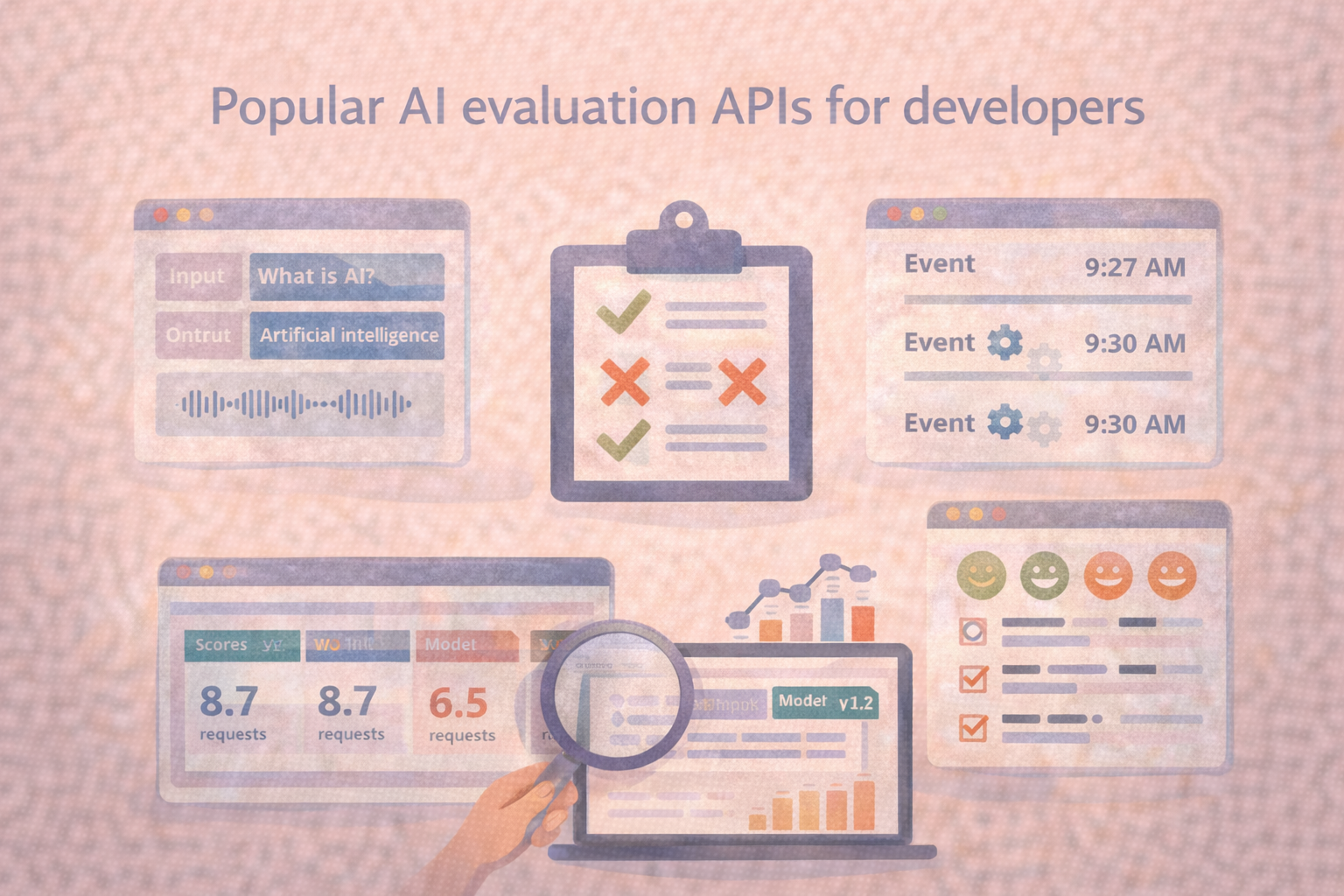
“AI evaluation APIs” usually refer to programmatic interfaces that let you submit model outputs, run scoring or review workflows, and store results so they can be compared across versions. The most popular APIs follow a few common patterns—batch evaluation, online evaluation hooks, trace/log ingestion, and rubric-based review—because those are the building blocks teams need to keep evaluation consistent as models and prompts change.
What developers usually mean by “evaluation APIs”
Developers rarely need an API that simply returns a single metric. They need something that fits into a workflow: run an evaluation on a dataset, record the exact model and prompt used, store results with a version tag, and make it easy to inspect failures. That’s why evaluation APIs tend to cluster into a few categories:
First are batch evaluation APIs, which accept a dataset or a set of examples and return scores, aggregates, and sometimes error slices. Second are trace and log ingestion APIs, which take real production interactions—inputs, outputs, metadata, latency, tool calls and turn them into evaluation-ready records. Third are rubric and review APIs, which allow human reviewers to score outputs consistently using structured criteria. In practice, teams often use a combination of these because no single interface covers every evaluation need.
Common API patterns you’ll see in the wild
Even when two products or libraries look very different, their APIs tend to converge on a few developer-friendly patterns.
Dataset-first evaluation
This pattern starts with a versioned dataset. You create an evaluation run that binds together the dataset version, the model or endpoint version, and the evaluation configuration. The API returns metrics, plus a way to pull examples behind the score. This approach works well in continuous integration because you can trigger runs on every model or prompt change and compare results against a baseline.
Event-first evaluation
This pattern starts from logs. The API accepts events from production or staging, often with trace IDs, timestamps, user context, and tool-call metadata. Evaluations can then run on sampled events or on specific slices, such as “all Spanish requests,” “all mobile users,” or “requests above a latency threshold.” This design is useful when the system’s real behavior diverges from what you put in offline test sets.
Rubric-based scoring and review
When quality cannot be captured by a single numeric metric, evaluation APIs often expose rubrics as first-class objects. Instead of only storing “pass/fail,” you store category-level scores, reviewer notes, and calibration signals. That structure makes it easier to compare results across time, across reviewers, and across different model variants.
Judge-model scoring
Many evaluation APIs support model-based scoring as one step in the pipeline. The key is treating the judge configuration as versioned, just like your model and dataset. If the judge changes, scores can shift for reasons that have nothing to do with the system you are evaluating, so the API needs to store judge identity, prompts, and sampling settings.
What makes an evaluation API “good” for developers
A good evaluation API is less about features and more about whether it prevents the mistakes teams repeat.
Versioning and reproducibility
You want every score to be traceable to a specific dataset snapshot, a specific model build, and a specific evaluation configuration. Without that, scores become hard to interpret because you cannot tell what changed between runs.
Ergonomic retrieval of failures
APIs are most valuable when you can pull the examples that drove a regression. That typically means being able to query by slice, filter by error type, and fetch the raw inputs and outputs quickly.
Support for both batch and streaming workflows
Many teams evaluate in two modes. They run batch tests during development and they also evaluate real interactions from staging or production. APIs that handle both patterns reduce the number of parallel systems you need to maintain.
Human review support without chaos
If your evaluation involves people, the API should support consistent rubrics, reviewer calibration, and auditability. Otherwise, you end up with subjective notes that do not translate into repeatable decisions.
How developers typically integrate evaluation APIs
The most common integration pattern is to run evaluations in the same places you already run tests. Teams trigger batch evaluation runs in continuous integration when prompts or models change, then push a summary back into pull requests or build artifacts. Separately, they stream production traces into an evaluation store, sample a small percentage for review, and run scheduled evaluations to catch drift.
The practical trick is to keep the evaluation “unit” small enough to run often. Instead of evaluating everything, you evaluate the tasks that matter most, then expand coverage as your system stabilizes.
Frequently Asked Questions
Frequently Asked Questions
Are evaluation APIs only for large language model applications?
No. The same patterns apply to classification, ranking, speech, and vision systems. Any system where you need repeatable measurement across versions benefits from evaluation APIs.
What should I store with an evaluation request besides inputs and outputs?
Store the model or endpoint version, prompt or configuration version, dataset version, timestamps, and any metadata you will later want to slice on, such as language, device type, customer segment, or domain.
Can evaluation be fully automated through an API?
Some parts can be automated, especially regression detection and scoring for well-defined tasks. Human review still matters when the quality definition depends on context, policy, or nuanced judgment.
How do I avoid “score drift” when using model-based judges?
Treat the judge as a versioned dependency. Store judge prompts and settings, run calibration checks, and avoid comparing runs that used different judge configurations as if they were directly comparable.
If you want, share the kind of system you’re evaluating (chatbot, summarization, retrieval, speech, vision), and I can tailor the API patterns and example endpoints to that workflow without turning it into a tools list.
Related Content
-
How to build a red teaming dataset
Learn how to build a red teaming dataset with a reusable schema, three sourcing tiers, expert annotation, and a maintenance workflow that keeps your model's safety coverage current.
-
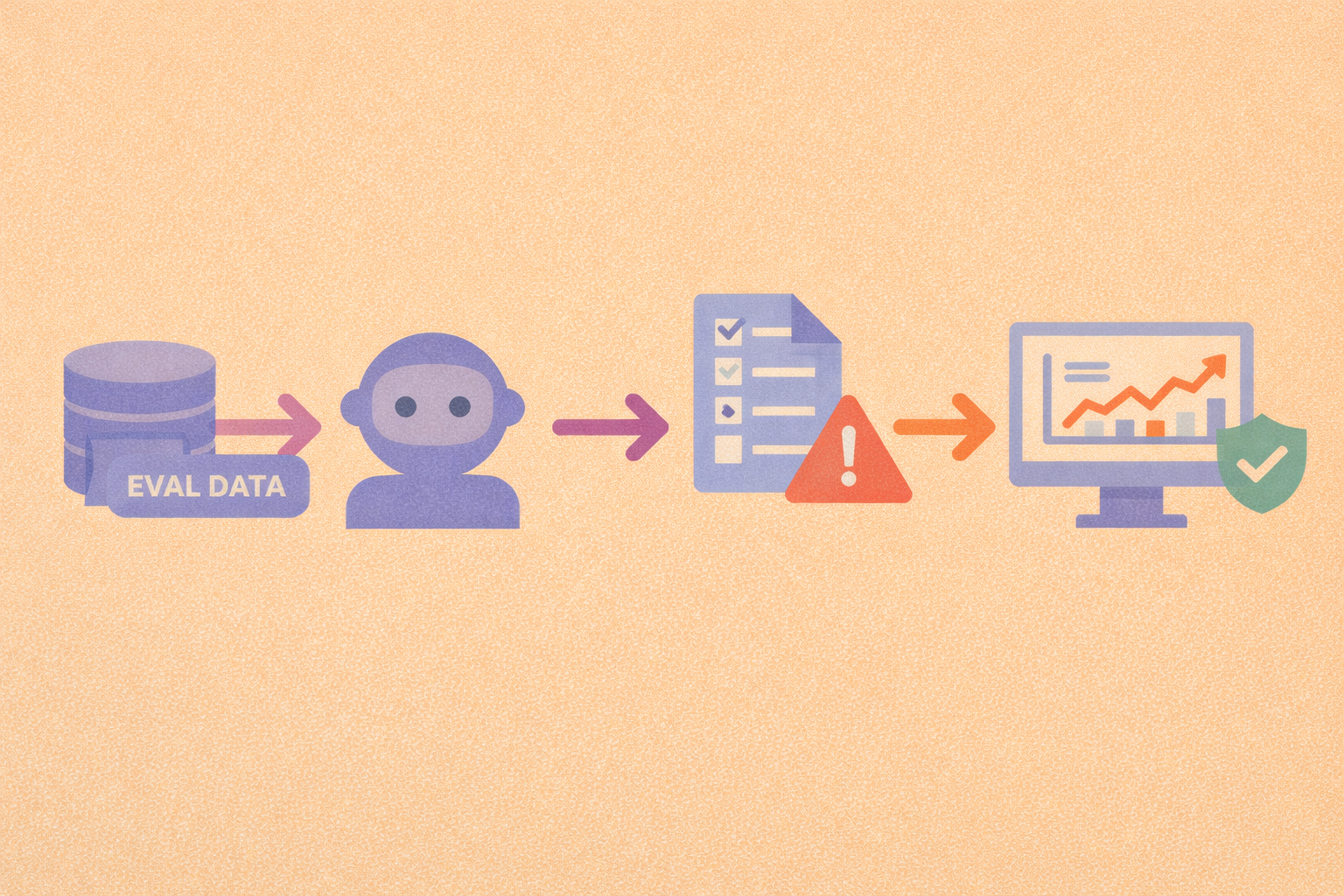
How to Set up AI Evaluation Pipelines in a Machine Learning Workflow
Evaluation pipelines turn model testing into a repeatable habit, making performance changes and failure patterns easier to catch early.
-
Few‑Shot Learning: Train AI with Just a Few Examples
Few‑shot learning empowers AI systems to generalize from only a handful of labeled samples. It's a game-changer for settings with limited data, slashing resource needs and accelerating deployment.
-
Step-by-step guide to AI evaluation in machine learning projects
A structured evaluation workflow helps you move from raw metrics to confident decisions about model quality, risk, and readiness.
-

Best AI evaluation platforms with collaboration features for teams
Once evaluation involves multiple reviewers and stakeholders, permissions, review workflows, and audit trails matter as much as the metrics.
-
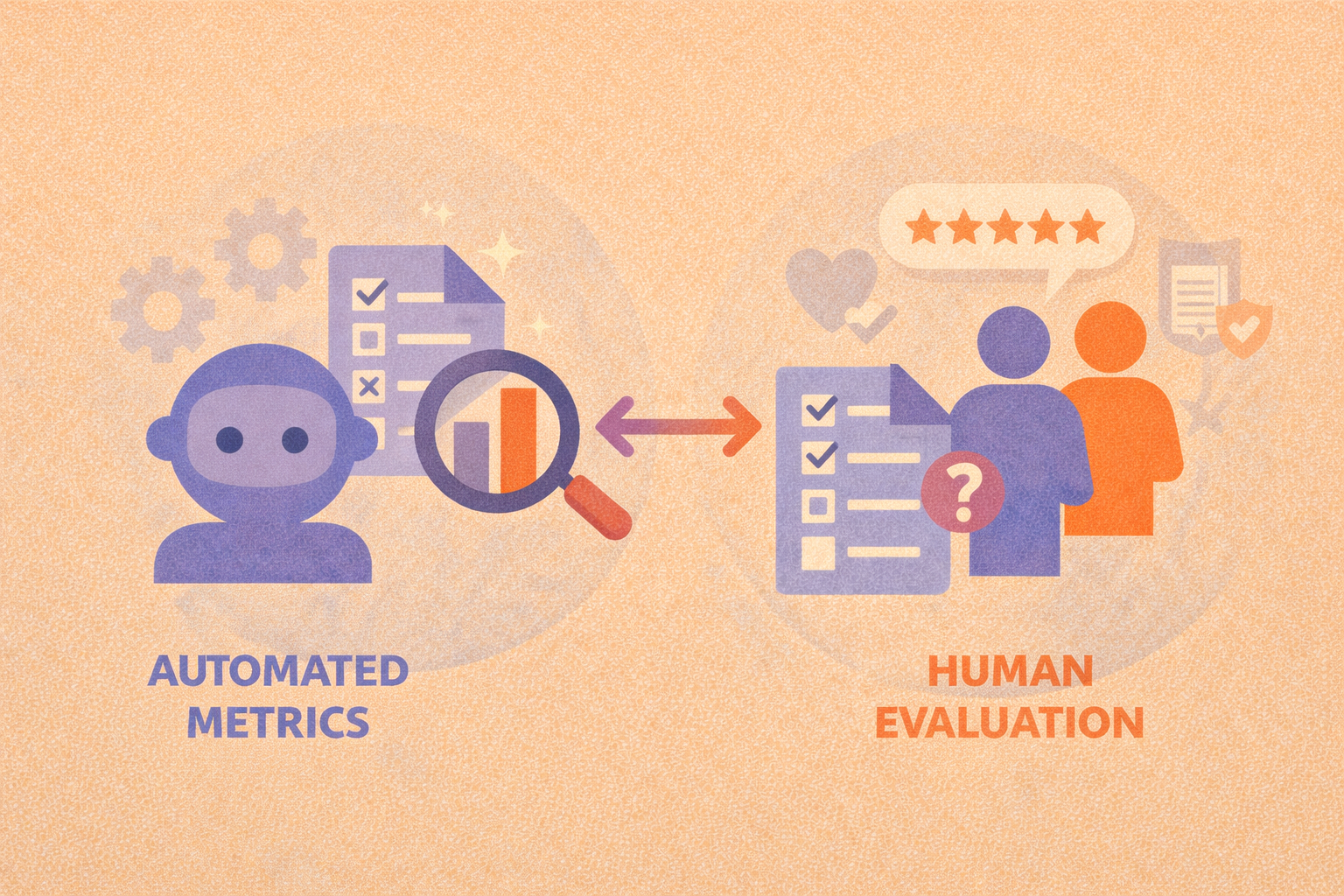
Automated metrics vs human evaluation: when each is the right choice
Automated metrics provide scale and consistency, while human evaluation captures nuance, effective AI evaluation programs rely on both.
-
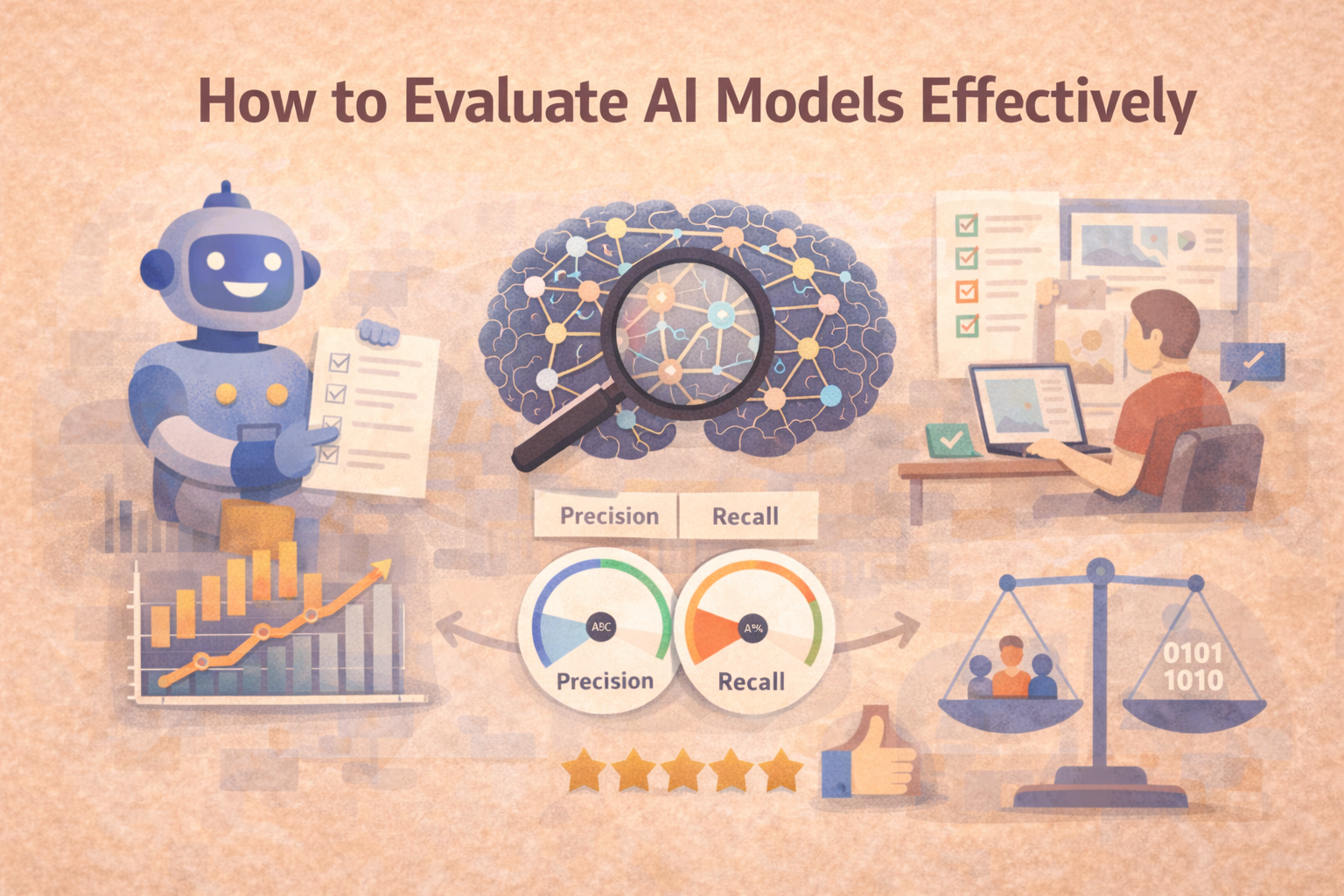
How to Evaluate AI Models Effectively
AI model evaluation isn’t just about accuracy. Learn how to evaluate your models across key dimensions like reliability, bias, and real-world performance.
-
The Complete Guide to Evaluations in AI
Evaluating an AI model isn’t just about checking accuracy, it’s about building trust. This guide explores the full spectrum of evaluation methods, from metrics to human-in-the-loop reviews and LLM-based scoring.
-
ReCode Robustness Evaluation of Code Generation Models: What It Is and Why It Matters
What happens when a code generation model sees slightly modified inputs? ReCode is a benchmark designed to evaluate exactly that—how robustly these models handle variation in the wild.
-
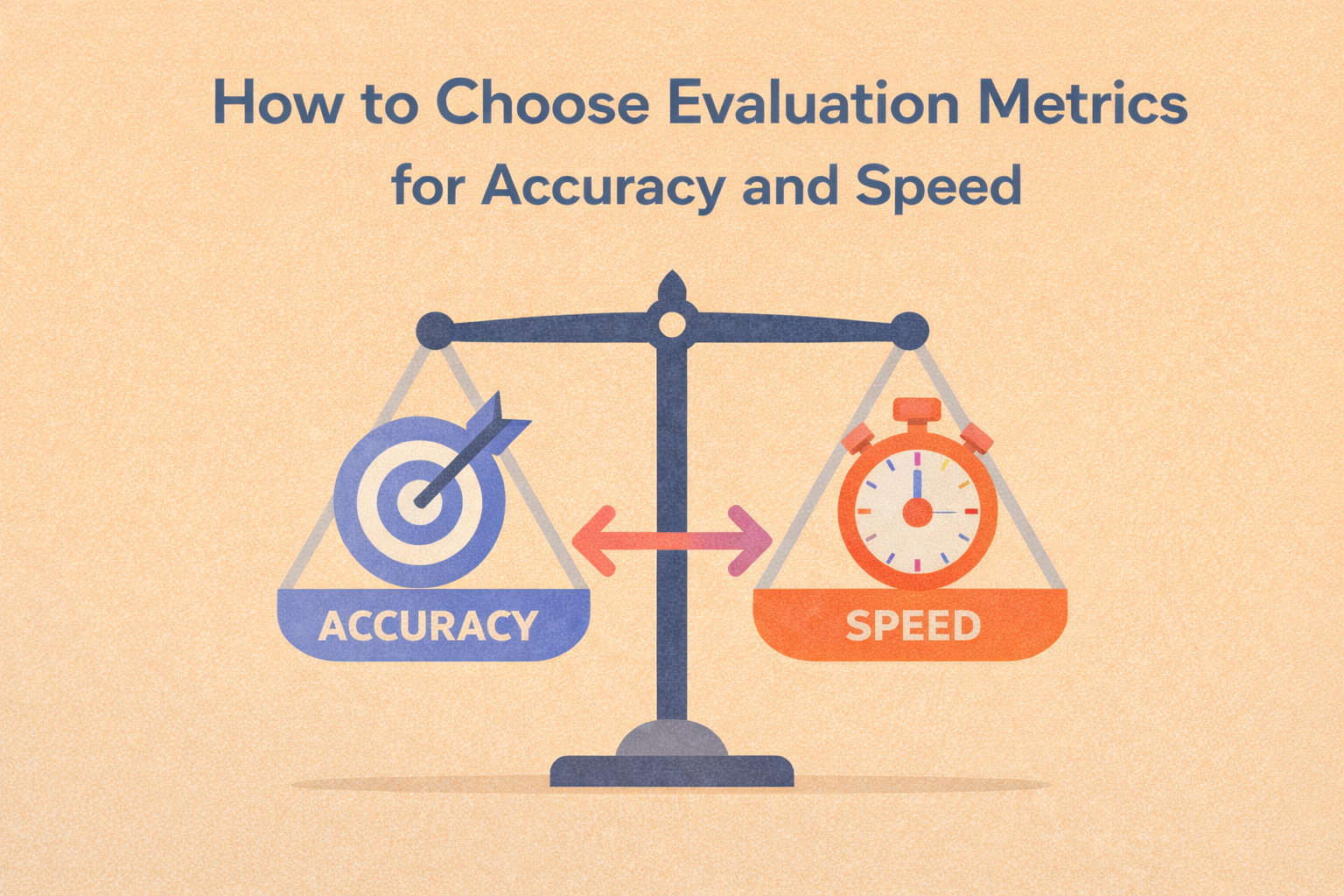
How to Choose Evaluation Metrics for Accuracy and Speed
The right evaluation metrics make accuracy–speed tradeoffs visible so you can optimize for what actually matters in production.
-
Why Explainability Matters in AI Evaluation
This blog explores how explainability and interpretability fit into AI evaluations, helping teams build trust, spot hidden flaws, and ensure ethical performance.
-
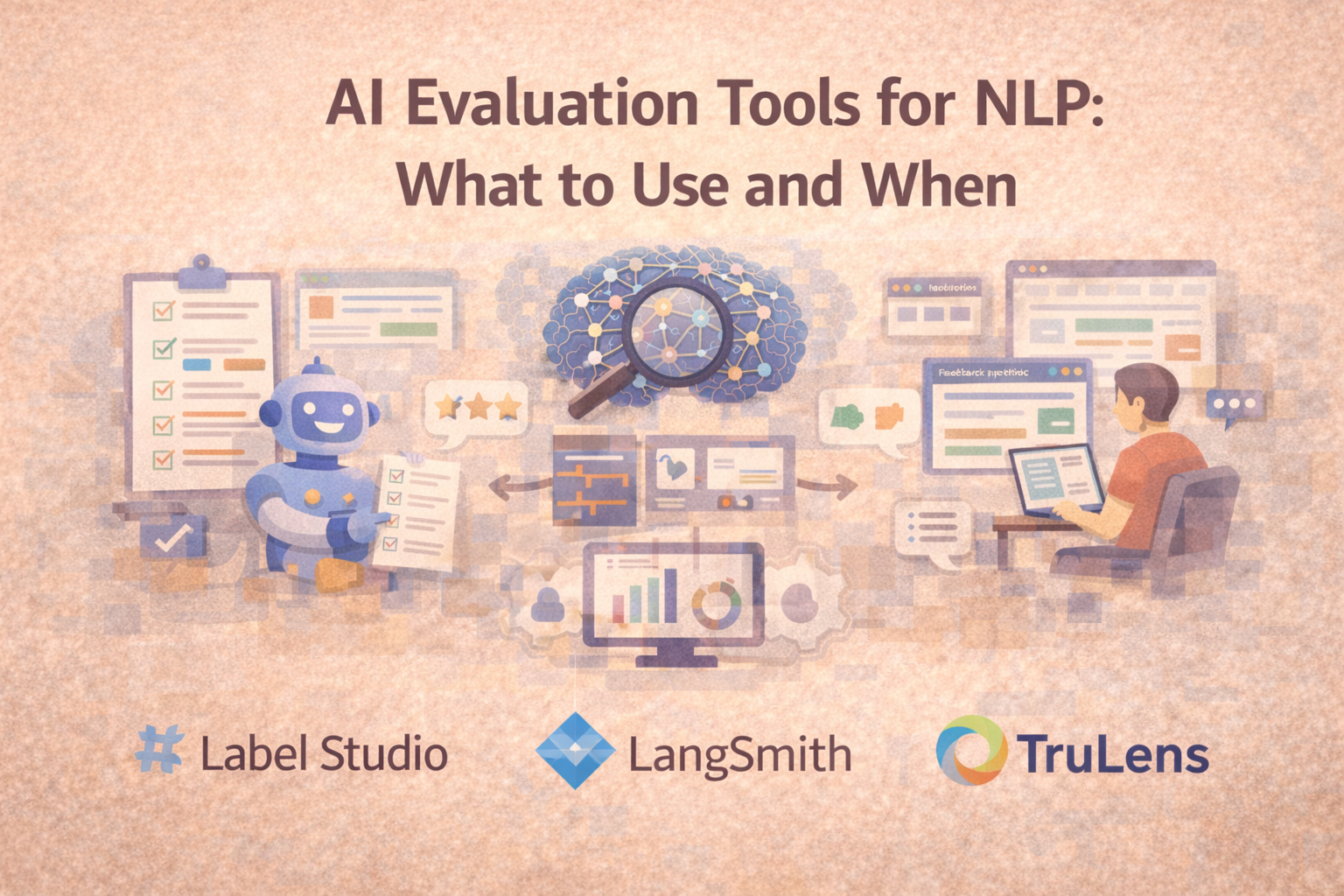
AI Evaluation for NLP: What to Use (and When)
NLP evaluation often needs more than automated scores. This guide explains three common tool paths—structured human review, app-layer LLM evaluation, and programmable scoring—and when each fits best.
-
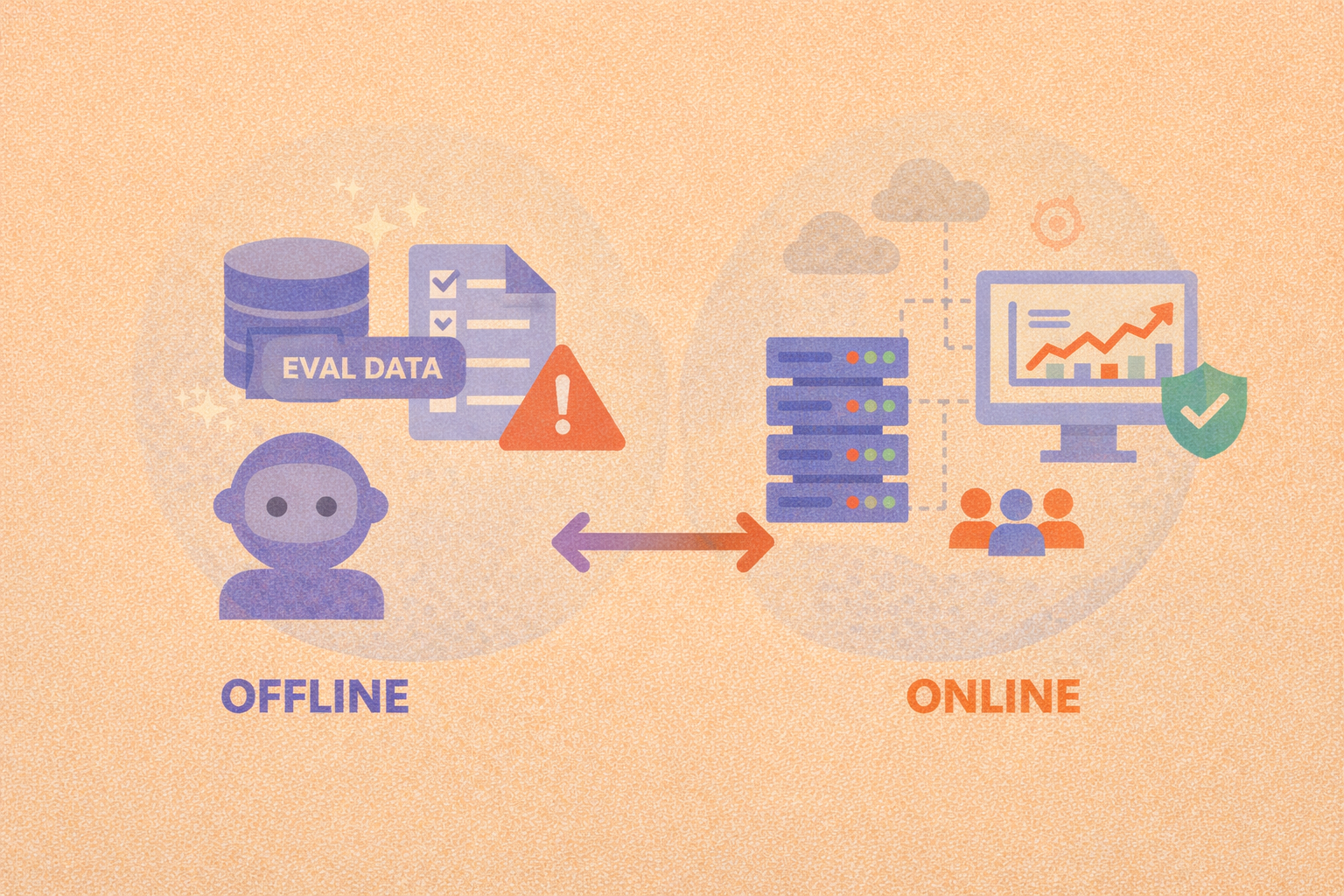
Offline evaluation vs online evaluation: when to use each
Offline evaluation enables fast, repeatable model comparison, while online evaluation confirms whether those gains hold up under real-world conditions.
-
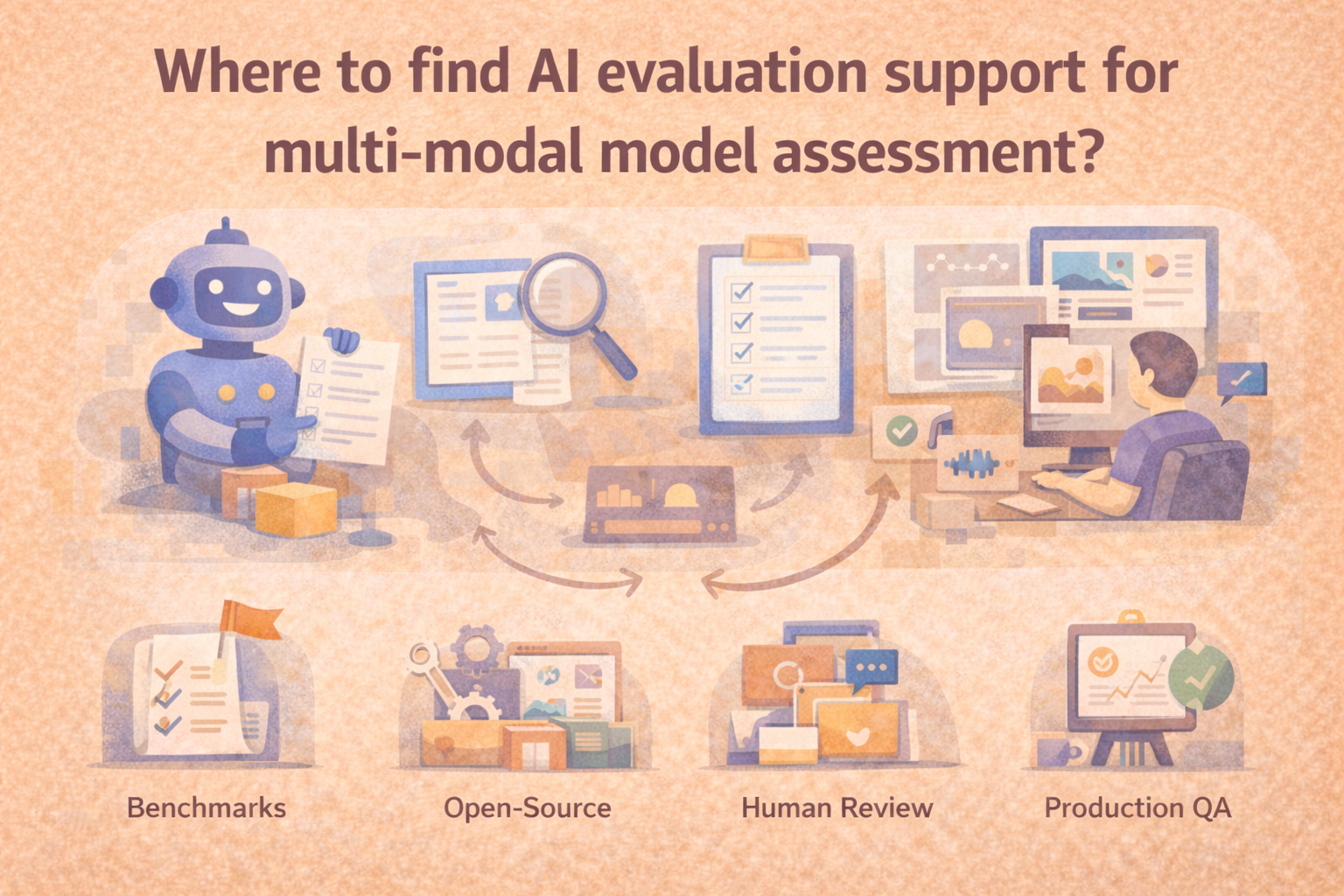
Where to find AI evaluation support for multi-modal model assessment
The right starting point depends on whether you need offline benchmarking, structured human review, regression testing, or real-world monitoring.
-
Human-in-the-Loop Evaluations: Why People Still Matter in AI
Human-in-the-loop (HITL) evaluations bring expert oversight into AI workflows. Learn where humans add value, how to scale review, and when it matters most.
Let me know if you'd like a hero image or a CTA linking this to your evaluations pillar page.
-
How to Automatically Catch Mistakes from Large Language Models
Evaluating the quality of large language model (LLM) outputs isn't one-size-fits-all. This guide breaks down four key methods, reference comparison, LLM-as-a-judge, rule-based checks, and classifiers, to help you automatically detect common errors like hallucinations, bias, and off-topic responses. Learn when and how to apply each method effectively.
-
AI Governance and Compliance: Why Evaluations Are the Missing Link
Without strong evaluation workflows, compliance with ethical and legal standards is impossible to verify, let alone enforce. Here’s how to close the gap.
-
This hub explores the full spectrum of evaluation methods, from metrics to human-in-the-loop reviews and LLM-based scoring across multiple articles.
-
Machine Learning Evaluation Metrics: What Really Matters?
Accuracy isn’t everything. Learn how precision, recall, F1 score, and more help you measure what really matters in machine learning model performance.
-
Understanding Model Accuracy: How to Evaluate Your AI
Accuracy is one of the most common metrics in machine learning evaluation, but it’s also one of the most misunderstood. Here’s how to use it wisely.
-

How to Get Demos of AI Evaluation Software Before You Buy
This guide explains how to prepare the right sample outputs, define structured review criteria, ask the right integration questions, and compare tools clearly before you buy.
-
How to Monitor AI Performance in Production: A Guide to Continuous Evaluation and Drift Detection
AI models don’t stop learning after deployment, but that doesn’t mean their performance stays reliable. This guide covers how to monitor your models in the real world, detect drift, and maintain accuracy over time.
-
What AI evaluation platforms specialize in assessing generative AI models?
GenAI evaluation works best when teams can review multi-turn outputs with consistent rubrics, shared workflows, and reliable governance.